- Overview
- Quick answer
- Key points
- What free accounting software should include
- Who free accounting software suits
- Free accounting software versus spreadsheets
- What Gimbla includes as a free starting point
- When a free plan is enough
- When to upgrade from free accounting software
- A simple selection checklist
- Related guides
- Frequently asked questions
- The bottom line
Free Accounting Software in Australia
Published May 17th, 2026 | Updated May 22nd, 2026 | Team Gimbla
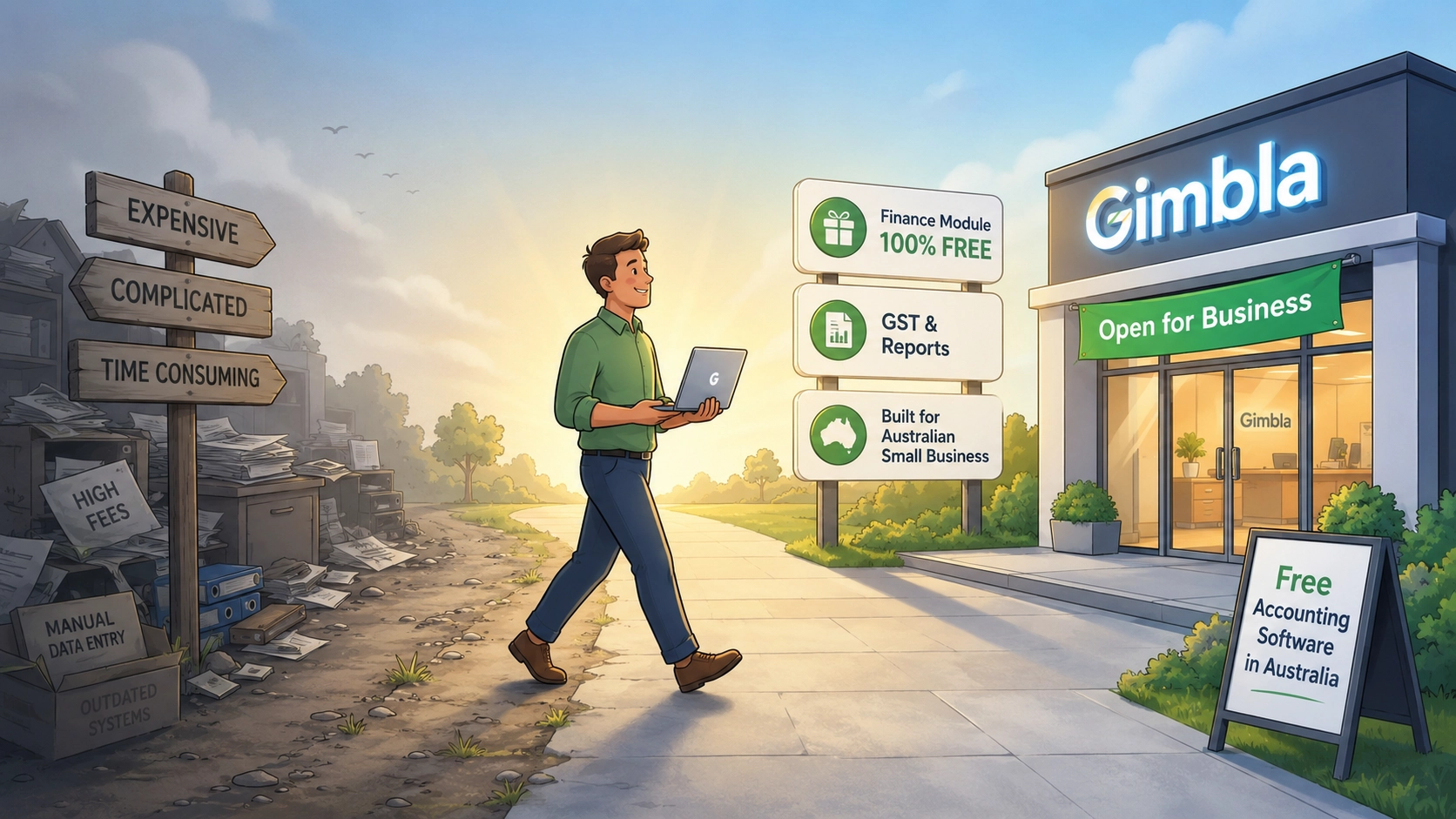
Free accounting software in Australia is useful when it helps you keep real business records without adding another monthly bill too early. The test is not whether the signup price is $0. The test is whether the software can support invoices, bills, expenses, GST records, bank reconciliation, reports and the information your accountant or BAS agent may need.
Gimbla gives Australian small businesses a free Starter plan for core accounting workflows, with paid upgrades available when the business needs more advanced features. That makes it a practical starting point for sole traders, new companies, clubs, charities and community organisations moving away from spreadsheets.
Free accounting software is worth using when it keeps proper records, not just when it avoids a subscription fee.
Quick answer
Free accounting software can be enough for an Australian small business when it covers the everyday bookkeeping basics: invoices, bills, receipts, payments, GST tracking, bank reconciliation and financial reports. When the software and records are hosted online, this is cloud accounting. It may not be enough if you need bank feeds, payroll, BAS lodgment, projects, multi-currency, recurring documents, attachment storage or stronger support.
For record keeping, the ATO says businesses should keep records that are accurate, complete and explain all transactions. Its record-keeping guidance is a useful baseline when choosing software: the product should help you prove what happened, not just produce a nice dashboard.
Key points
- Free accounting software should still support proper bookkeeping records.
- Invoices, bills, bank reconciliation, GST tracking and reports are the core checks.
- A free plan can suit sole traders, startups, clubs, charities and simple small businesses.
- Upgrade only when the business has a real workflow need, not because “free” sounds temporary.
- Good software should make it easier to work with your accountant, bookkeeper or BAS agent.
What free accounting software should include
Before choosing any free accounting software, check the work it can actually do. A free login is not useful if half the accounting records still live in spreadsheets.
| Accounting need | Why it matters | Helpful Gimbla page |
|---|---|---|
| Invoices and quotes | Lets you bill customers and track what is owed | Create an invoice |
| Bills and expenses | Keeps supplier costs and unpaid bills visible | Small business bookkeeping checklist |
| Bank reconciliation | Confirms your records match actual bank activity | Bank reconciliations |
| GST and tax tracking | Helps keep tax treatment visible before BAS or tax time | GST, VAT and sales tax guide |
| Reports | Shows profit, position, cash pressure and owner decisions | Profit and Loss guide |
| Upgrade path | Lets the business add more capability without starting again | Pricing |
If software cannot support these basics, it might still be useful for one task, but it is not a complete accounting workflow.
Who free accounting software suits
Free accounting software can be a sensible starting point when the business has straightforward records and wants to keep costs controlled.
It often suits:
- sole traders moving beyond spreadsheets
- new companies setting up proper records for the first time
- clubs, charities and community groups with simple bookkeeping
- small service businesses that send invoices and record expenses
- side businesses that need cleaner tax records
- early-stage businesses comparing software before committing to a paid plan
For a more focused charity and community-sector comparison, see the guide to accounting software for Australian charities.
If you are still choosing the broader software category, read what is the best accounting software for small businesses and the guide to accounting packages in Australia. If you want a named-product comparison, use the 2026 guide to accounting software used in Australia.
Free accounting software versus spreadsheets
Spreadsheets can work for very simple tracking, but they become fragile as soon as the business needs invoices, GST codes, bills, customer balances, supplier balances, bank reconciliation or reports.
| Area | Spreadsheet risk | Accounting software advantage |
|---|---|---|
| Invoices | Easy to lose invoice status or duplicate numbers | Customer documents and payment status stay together |
| Expenses | Receipts and categories can drift from the transaction | Costs can be recorded against suppliers, accounts and tax codes |
| GST | Manual formulas are easy to break | GST treatment can be reviewed consistently |
| Bank reconciliation | Bank activity may not match spreadsheet totals | Transactions can be matched and checked |
| Reports | Reports rely on formulas and manual updates | Profit and Loss, balance sheet and other reports come from the ledger |
| Accountant review | Context may be missing or hard to audit | Records are easier to share, export and explain |
For a weekly and monthly workflow, use the small business bookkeeping checklist as a practical operating rhythm.
What Gimbla includes as a free starting point
Gimbla is designed to let small businesses start with core accounting records, then add more capability when the workflow needs it. The live free accounting software, Australia free accounting software, features and pricing pages are the best places to check current product details.
For Australian small businesses, the useful starting point is:
- create invoices and quotes
- record bills, receipts and payments
- manage customers and suppliers
- reconcile bank transactions
- track GST, VAT or sales tax settings where relevant
- read financial reports
- keep records organised for accountant or BAS-agent review
If you are comparing Gimbla with paid alternatives, the Xero pricing comparison, MYOB pricing comparison and MYOB Business vs Xero comparison give more detail.
When a free plan is enough
A free accounting plan may be enough when the business mostly needs clean records and basic reports.
That usually means:
- you send a manageable number of invoices
- supplier bills and expenses are straightforward
- bank reconciliation is simple enough to review manually or through available tools
- GST records need to be organised, but the business does not need complex tax workflows
- reports are used for owner review and accountant conversations
- the business does not yet need payroll, projects or multi-currency
For sole traders, see Do Australian sole traders need accounting software?. For trades and contractors, see tradie accounting software.
When to upgrade from free accounting software
Upgrade when a paid feature removes real admin, improves control or supports an obligation the business now has.
Common upgrade triggers include:
- connected bank feeds
- BAS lodgment or more detailed tax workflows
- Single Touch Payroll and employee pay runs
- payroll for small business in Australia
- multi-currency accounting
- projects
- recurring invoices or recurring bills
- attachment storage and deeper audit controls
- more support, users or adviser involvement
If BAS or STP is the deciding feature, use the free SBR-enabled software guide to separate free bookkeeping from direct government reporting.
The point is not to avoid paid software forever. It is to avoid paying before the workflow genuinely needs it.
A simple selection checklist
Use this checklist before relying on any free accounting product:
- Can you create invoices and record payments?
- Can you enter supplier bills or at least record expenses clearly?
- Can you reconcile bank activity or import bank statements?
- Can you track GST or other tax settings where relevant?
- Can you read a Profit and Loss and balance sheet?
- Can your accountant, bookkeeper or BAS agent get the records they need?
- Can you export your data if you later switch?
- Can you upgrade without rebuilding the whole accounting file?
For setup help, start with the user guide, especially create an invoice, bank reconciliations, GST, VAT and sales tax and switching to Gimbla.
Related guides
Use these pages depending on what you are trying to decide next:
- Is there a free accounting program?
- What is the best accounting software for small businesses?
- Which accounting software is used in Australia?
- Free accounting software by country
- Small business bookkeeping checklist
- Bank reconciliation for small business
- GST invoice checklist for Australian small businesses
- Payroll for small business in Australia
Frequently asked questions
Is free accounting software enough for an Australian small business?
It can be enough when the business needs core records such as invoices, bills, bank reconciliation, GST tracking and reports, and does not yet need paid features such as bank feeds, payroll, projects or multi-currency. The best test is whether the software can produce records your owner, accountant or BAS agent can actually use.
What should free accounting software include?
At a minimum, check invoices, bills, receipts, bank reconciliation, GST or tax tracking, financial reports, data export, user access and an upgrade path. If one of those is missing, decide whether the remaining manual work is acceptable.
Can free accounting software help with BAS?
Free software can help keep GST and transaction records organised for BAS preparation. BAS lodgment support and advanced BAS workflows may depend on the product and plan, so check the current features, pricing and BAS lodgment pages.
When should a business upgrade from free accounting software?
Upgrade when a real workflow needs it, such as bank feeds, recurring documents, payroll, BAS lodgment, projects, multi-currency, attachment storage or more support. Upgrading is easier when the free plan has already helped you keep clean records.
The bottom line
Free accounting software in Australia is a good starting point when it helps the business keep proper records: invoices, bills, GST treatment, bank reconciliation and reports. It becomes risky only when “free” means the important accounting work still sits outside the system.
Start with the core records. Add paid features when the business needs them. That keeps the software decision tied to real work, not subscription pressure.