- Overview
- Quick answer
- Free accounting software to shortlist
- What a Nonprofit Should Check First
- Simple example
- Where Gimbla fits
- When Desktop Software Makes Sense
- When Donor or Payroll Software Is a Separate Need
- Compliance Checks for Australian Charities
- Decide using one month of real work
- Frequently asked questions
- Choose a system the next treasurer can use
Free Nonprofit Accounting Software in Australia
Published May 23rd, 2026 | Updated September 20th, 2026 | Team Gimbla
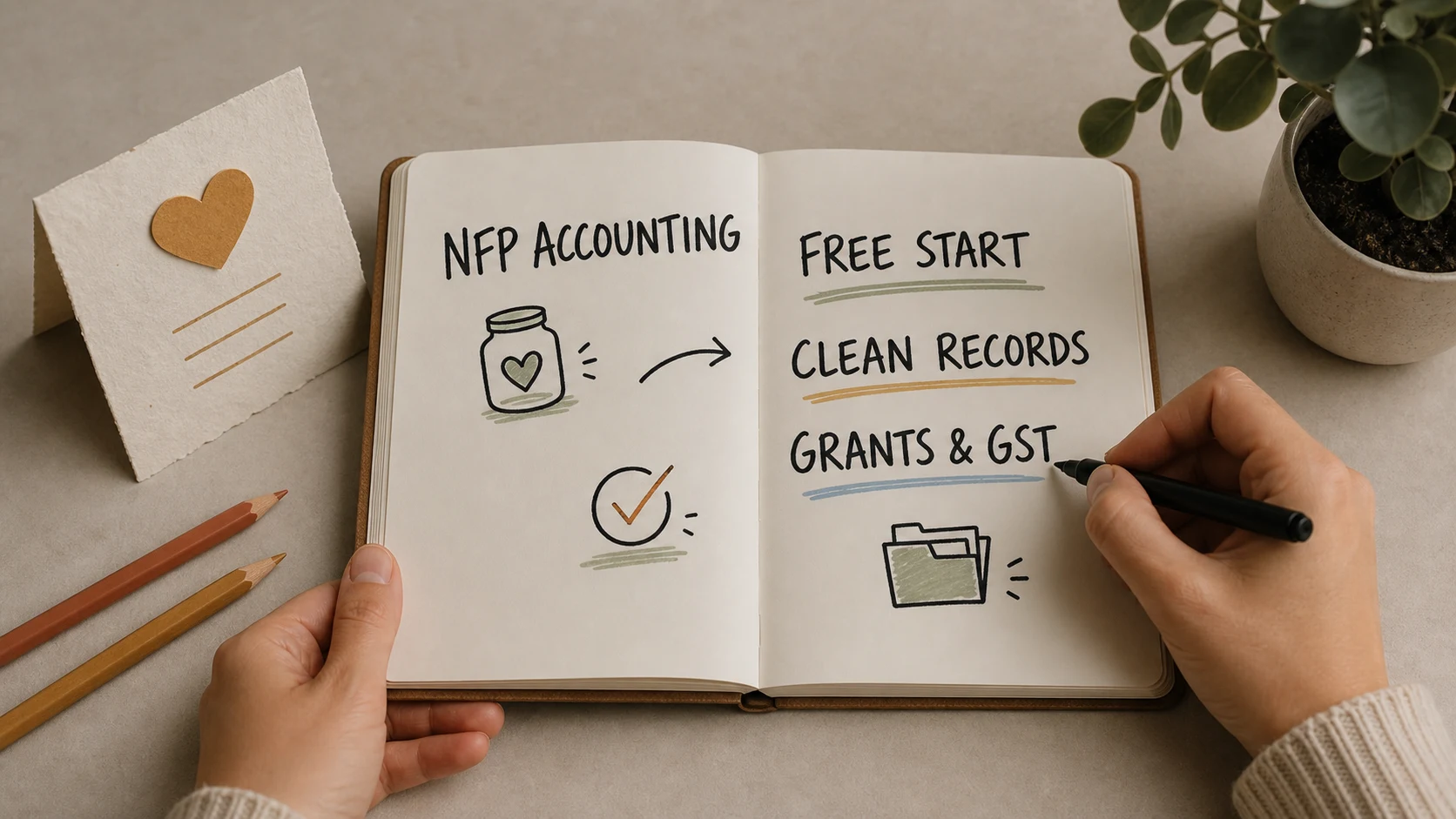
Free nonprofit accounting software in Australia can cover a small organisation’s everyday bookkeeping, but the free tier needs to match the work. Gimbla Starter offers free cloud accounting; Manager Desktop and GnuCash offer free desktop options. Grant tracking, connected bank feeds, payroll and evidence storage need separate checks because they may require a paid plan or another system.
For charities, clubs and community groups, the practical question is whether the treasurer can reconcile the bank, explain each balance and hand over reliable records to the next volunteer.
Test the free plan with a real month of transactions before moving the organisation’s books.
Quick answer
Start with Gimbla Starter for shared cloud bookkeeping, or compare Manager Desktop and GnuCash if a locally managed file suits the organisation. Free Accounting Software (FAS) is another Australian option worth assessing, particularly for a micro organisation with no more than one employee.
Check the boundary between free bookkeeping and paid features. In Gimbla, Projects is a Plus feature, as are attachment storage, connected bank feeds and Australian BAS lodgment and payroll. Free bank reconciliation is different from an automatic bank feed.
Product information was checked on 20 September 2026. The shortlist below separates ongoing free options from paid subscriptions, discounts and specialist payroll tools.
Free accounting software to shortlist
These are options to assess against your workflow, not a universal ranking or a claim that every product provides specialist fund accounting.
| Option | What is free | What to check |
|---|---|---|
| Gimbla Starter | Cloud invoices, bills, payments, receipts, unlimited users, bank reconciliation, GST tracking and financial reports. | Projects, attachment storage, bank feeds, BAS lodgment and payroll sit in Plus. Budget for the features your organisation needs. |
| Manager Desktop | Offline desktop accounting for Windows, Mac and Linux. | Distinguish the free Desktop edition from Cloud. Test file backups, volunteer handover and the reports needed for each grant. |
| GnuCash | Open-source desktop double-entry accounting, transaction matching and reports. | Allow time for setup and training. Confirm how Australian tax reporting, payroll and shared access will be handled. |
| Free Accounting Software (FAS) | The vendor describes free accounting and GST features for micro businesses with zero or one employee, including payroll and activity-statement lodgements. | Fees apply from two employees. Confirm suitability for your nonprofit, the edition, hosting arrangements, support and grant-reporting needs. |
Paid plans, discounts and payroll-only tools
A trial or charity discount can lower the cost, but it is not an ongoing free accounting plan. Xero’s Australian nonprofit page advertises a 25% discount on business pricing plans for eligible registered not-for-profits after status verification. MYOB’s nonprofit offering is also worth comparing when an adviser or more complex workflow favours a paid platform. Compare the ongoing price, payroll limits and add-ons rather than introductory promotions alone.
FREEPAY offers payroll for up to three employees. Its published conditions also limit employee terminations on the free tier and prevent a paid subscriber from downgrading to FREEPAY. It belongs in a payroll comparison; it does not replace the organisation’s ledger or grant records.
Wave should not be a default Australian recommendation. Its international-user guidance says product and customer support outside the US and Canada has been discontinued. Existing overseas accounts have restricted capabilities, including changes to sending invoices and reminders through Wave.
What a Nonprofit Should Check First
Before choosing free accounting software, write down the organisation’s real monthly workflow. The right tool is the one that makes those records easier to keep, not just the one that appears first in a search result.
Check whether the software can support:
- donations, membership fees, fundraising income and grants
- supplier bills, reimbursements and receipts
- bank reconciliation for every bank account
- GST settings if the organisation is registered or may need to register
- project, grant, location or program tracking
- reports for the treasurer, committee, accountant or auditor
- user access that avoids sharing one login
- data export and handover when the treasurer changes
- payroll and Single Touch Payroll if the organisation has employees
- donor records or DGR receipt processes if those are part of the charity’s work
Ask the incoming treasurer to complete a bank reconciliation and export a committee report during the trial. Also test whether the organisation can retrieve its data and supporting documents if the subscription ends or the administrator leaves.
Simple example
Imagine a small community charity that receives donations, wins one local grant, pays venue and supplier bills, and reports to the committee each month. The accounting system does not need to be complicated, but it needs to keep the story together.
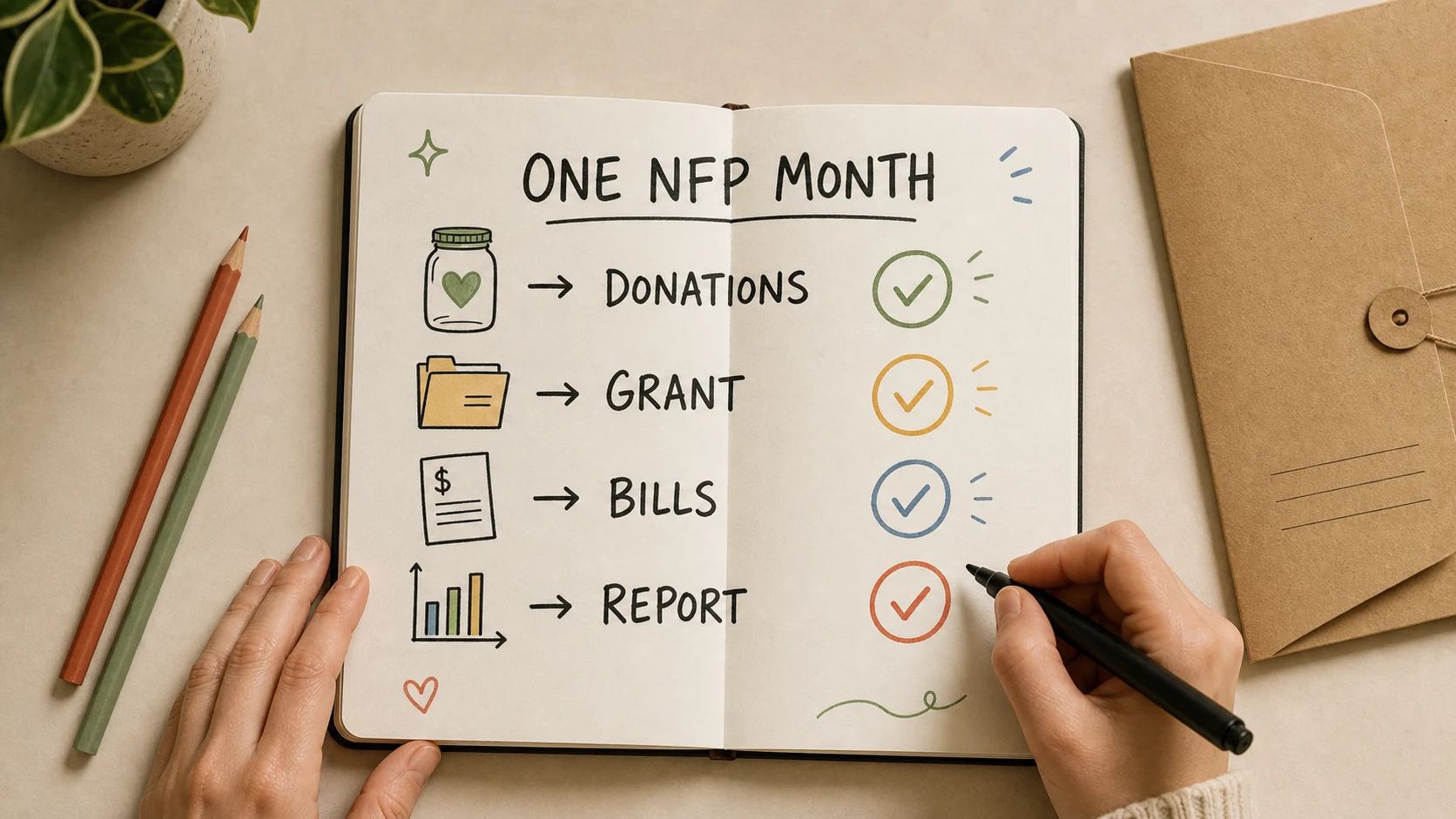
In one month, the treasurer records donations, enters bills, reconciles the bank account and prepares a committee report. The grant also needs its own record of receipts, eligible spending and remaining commitments.
With Gimbla Starter, the charity can keep the core ledger and reconcile a separate grant schedule to it. If it wants transactions grouped and reported through Gimbla Projects, it needs Plus. Whichever approach it uses, the treasurer should trace a grant expense from its supporting document to the ledger and the funder’s report.
A project label alone does not decide when grant income should be recognised or whether funds can be spent on another activity. Read the grant agreement and confirm the accounting treatment with the charity’s adviser.
Where Gimbla fits
The current Gimbla plans separate core records from additional automation:
- Starter — AUD $0: invoices, bills, receipts, payments, unlimited users, GST tracking, financial statements and bank reconciliation.
- Plus — AUD $19.95 per month: adds Projects, attachment storage, recurring transactions, bank feeds and Australian BAS lodgment and payroll. Employee limits and additional payroll charges apply.
For grant work, use the grants and projects guide to assess the workflow before choosing a plan. If remaining on Starter, maintain a secure document archive outside the software and make sure references connect each document to its transaction.
Donor management is a separate requirement to assess. Supporter history, campaigns and deductible gift recipient (DGR) receipts may need a specialist process or tool. Reconcile donor-system totals to bank deposits and the accounting ledger, including any payment-processing fees.
When Desktop Software Makes Sense
Desktop accounting tools can be attractive for nonprofits because they can be genuinely free and controlled locally. Manager.io and GnuCash are the common examples.
That works best when:
- one treasurer or bookkeeper manages the file carefully
- the organisation has a clear backup routine
- the committee is comfortable with exported reports
- there is no need for many people to collaborate in the system
- payroll, donor management and approval workflows are handled elsewhere
The weak spot is usually continuity. If the treasurer leaves, the committee needs the file, password, backups, chart of accounts, report process and bookkeeping logic to be understandable by the next person.
When Donor or Payroll Software Is a Separate Need
Some nonprofits are not really searching for accounting software. They are searching for one missing workflow.
If the problem is donor records, receipts and campaigns, donor management software may be the better first tool. If the problem is paying employees and reporting STP, payroll software may be the immediate need. If the problem is grant acquittals, the accounting system needs project or tracking categories that keep grant income and spending visible.
Accounting software still sits underneath those workflows. It is where the financial records should reconcile: money received, money spent, bills owed, bank balances, GST treatment, payroll costs and reports.
Compliance Checks for Australian Charities
Software does not replace obligations. It helps keep the evidence tidy.
The ACNC requires registered charities to keep financial and operational records for seven years. Records must explain transactions, financial position and performance, and support the charity’s eligibility and obligations. Other laws or agreements may require additional retention.
The ATO’s GST registration threshold for nonprofit organisations is $150,000 of GST turnover. Assess both current and projected turnover; do not simply use the bank’s total deposits. Have the treatment of donations, grants, membership fees and fundraising sales checked for your circumstances.
In practice, a charity should be able to find:
- bank statements and reconciliations
- invoices, bills, receipts and reimbursement evidence
- donation and grant records
- payroll and super records if it employs staff
- GST and BAS records if registered for GST
- board, committee or AGM minutes where financial decisions were made
- reports used for grant acquittals, audits or annual reporting
If the organisation is a registered charity, use the guide to ACNC financial reporting requirements to check its Annual Information Statement, financial report, review and audit obligations by charity size. For a non-charitable not-for-profit with an active ABN that self-assesses as income tax exempt, check the NFP self-review return requirements and the organisation’s actual due date. If the charity has DGR status, payroll, overseas activity, fundraising licences or complex grants, get professional advice before relying on a simple free tool alone.
Decide using one month of real work
- List the essential records. Include bank accounts, donations, grant restrictions, bills and any employees.
- Test the free tier. Enter representative transactions, reconcile the bank and export the reports the committee needs.
- Price the gaps. Include grant tracking, evidence storage, support, payroll and donor tools in the total cost.
- Test the handover. Give a second authorised person their own access, or document how a desktop file and backup are transferred.
- Document the decision. Record the selected plan, paid extras, backup process and who reviews reconciliations.
A spreadsheet can remain useful as a controlled grant schedule. The risk is an unexplained spreadsheet that cannot be reconciled to the ledger, or that only one volunteer understands.
Frequently asked questions
What is the best free nonprofit accounting software in Australia?
There is no single best option. Compare Gimbla Starter for cloud bookkeeping, Manager Desktop and GnuCash for desktop accounting, and FAS for eligible micro organisations. Test the free tier against your records, reports, access and handover needs.
Can an Australian charity use free accounting software?
Yes, if it supports the charity’s records and reporting needs. Free software does not remove ACNC, tax, payroll or grant obligations. Check paid feature limits and how supporting documents will be retained.
Is grant tracking free in Gimbla?
Gimbla Projects is included in Plus, not Starter. A charity using Starter can maintain a separate grant schedule and reconcile it to the ledger, but should assess whether that process is manageable.
Do nonprofits need donor software as well as accounting software?
Sometimes. Donor software can manage supporters and campaigns, while accounting software maintains the ledger, bills, bank reconciliation and financial reports. If both are used, reconcile donation records, processing fees and bank deposits.
Choose a system the next treasurer can use
Select the smallest setup that produces reliable records and a workable handover. Before moving the books, confirm who owns the account, who checks reconciliations and where the grant agreements and receipts will be kept. Those decisions make a free plan useful long after the initial setup.