Free Accounting Software by Country
Published May 20th, 2026 | Updated September 4th, 2026 | Team Gimbla
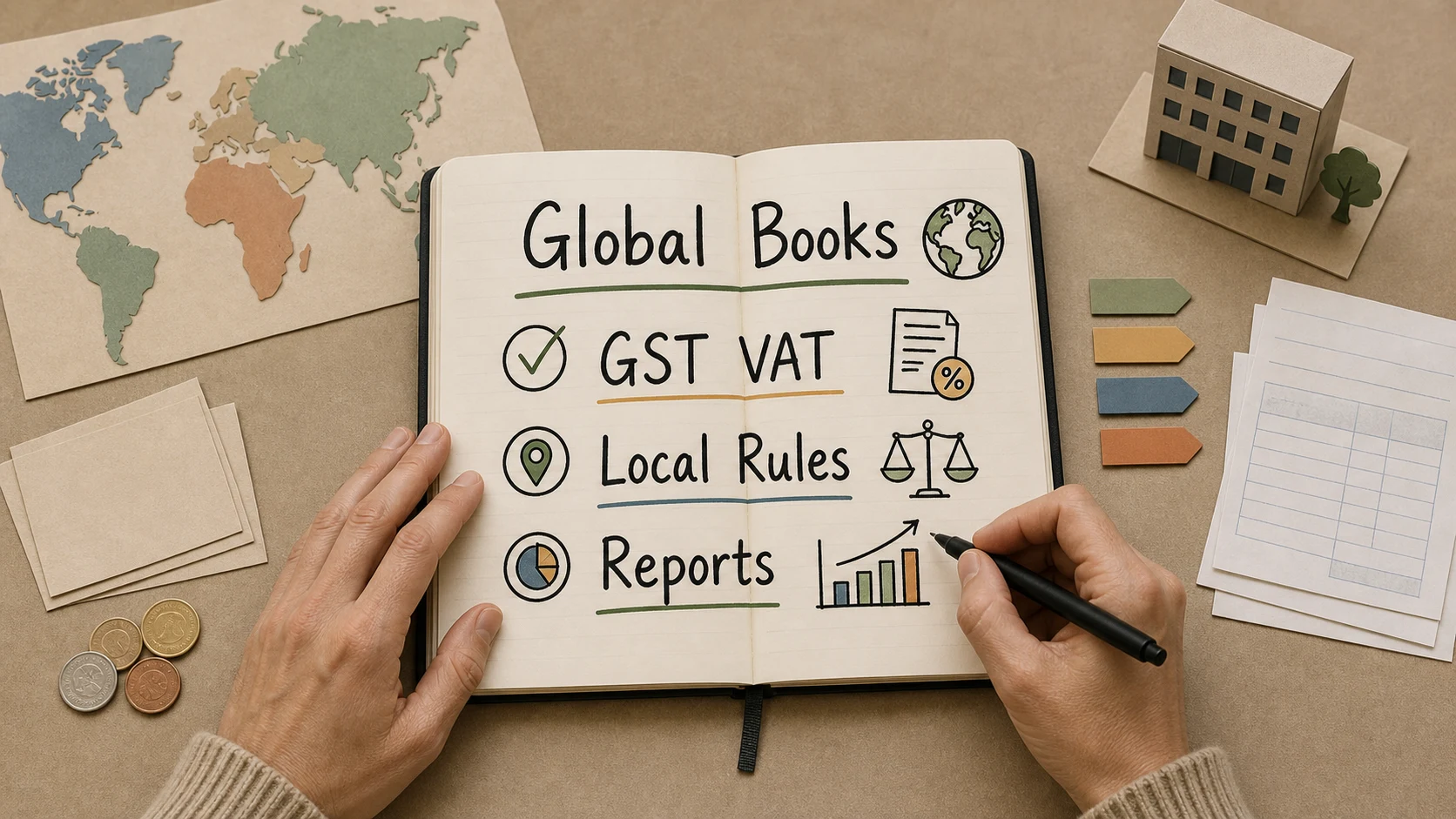
Free accounting software can support small businesses in many countries, but local rules still matter. The same core bookkeeping tasks appear everywhere: invoices, expenses, bank reconciliation, reports and tax records. The difference is how each country treats GST, VAT, sales tax, payroll, e-invoicing, record keeping and filing.
This page keeps the original directory-style URL, but adds a clearer way to choose the right Gimbla country page and understand what to check before using any accounting software internationally.
Accounting software can be global in design, but bookkeeping obligations are local. Choose the country page that matches your business registration, tax and reporting reality.
Quick answer
Use the Gimbla country page that matches where your business is registered and where its main tax records are prepared. If you operate in more than one country, check whether you need local GST, VAT, SST, sales tax, payroll, e-invoicing or currency support before choosing a workflow.
For Australia, the ATO’s record-keeping guidance says businesses can use manual or digital record-keeping systems. For Ireland, Revenue’s record-keeping guidance says records must clearly show the accounting process, and VAT records need to be detailed and up to date.
Malaysia and South Africa need current local checks too. HASiL’s e-Invoice Guideline v4.8 reflects the exemption threshold of less than RM3 million, effective 1 September 2026. The exemption is conditional: certain non-individual-shareholder, holding-company, subsidiary, related-company and joint-venture cases do not qualify. For South Africa, SARS Filing Season 2026 dates affect record gathering, and National Treasury’s 2026 Budget Review lists VAT registration and turnover-tax threshold changes for small businesses. Those local checks matter even when accounting software is only one part of the workflow.
Key points
- Invoicing, expenses, bank reconciliation and reports are universal bookkeeping needs.
- GST, VAT, SST, sales tax, e-invoicing and payroll rules vary by country.
- Country-specific software pages help match terminology and tax expectations.
- Free software can work well for simple records, but international businesses may need paid features or advice.
Browse Gimbla country pages
| Country or region | Gimbla page | Common local focus |
|---|---|---|
| Australia | Australia accounting software and Australian free accounting guide | GST, BAS, STP, bank feeds |
| Canada | Canada accounting software, Canada Carbon Rebate bookkeeping and CRA July 2026 payroll deduction checks | GST/HST, sales tax, bank records, rebates and payroll payment records |
| Germany | Germany accounting software | VAT and bookkeeping records |
| India | India accounting software | GST and invoices |
| Ireland | Ireland accounting software | VAT records and ROS-ready evidence |
| Malaysia | Malaysia accounting software and e-Invoice records guide | SST-aware records, ringgit invoices and e-Invoice readiness |
| New Zealand | New Zealand accounting software, KiwiSaver payroll changes, IRD overdue tax records and eInvoicing prompt payment | GST, small business records, tax-payment records, payroll posting and eInvoicing |
| Singapore | Singapore accounting software, CIT rebate and cash grant checklist | GST, company tax support and business records |
| South Africa | South Africa accounting software | VAT records, rand reporting, SARS filing records, employer tax checks and CIPC compliance evidence |
| United Kingdom | United Kingdom accounting software | VAT, Making Tax Digital and HMRC records |
| United States | United States accounting software | Income, expenses and sales tax records |
Other regional pages include Indonesia, Israel, Netherlands, Philippines and Switzerland.
Country-specific checks before choosing software
| Check | Why it matters |
|---|---|
| Business registration country | Determines many record-keeping and tax obligations |
| GST, VAT or sales tax | Affects invoice layout, tax codes and reports |
| Local e-invoicing | Important where structured invoice data, portal submission or network rules apply |
| Payroll | Rules are highly local and often need dedicated compliance workflows |
| Bank feeds | Availability depends on country and financial institution support |
| Multi-currency | Important when invoices, bills or bank accounts use more than one currency |
| E-invoicing | Some countries are moving toward structured invoice mandates |
| Local filing season, return or company-compliance dates | Helps owners gather bank, payroll, invoice, tax and company records before deadlines |
| Accountant access | Local advisers may prefer specific reports or exports |
If your business sells cross-border, get advice before assuming one country’s setup covers every sale. The VAT number guide explains how registration identifiers, invoice records and EU checks fit into that workflow.
For Malaysia, check whether the business needs invoice data ready for MyInvois, customer details, supplier records and adviser review before e-Invoice obligations apply; the Malaysia e-Invoice records guide explains that preparation in more detail. For South Africa, check VAT registration, VAT periods, VAT201 evidence, PAYE, UIF, Skills Development Levy and CIPC company records before relying on a generic international setup.
South African companies should also keep company-maintenance evidence visible. CIPC’s Notice 28 of 2026 warns about non-compliance with the annual compliance checklist, so annual returns, beneficial ownership information, financial accountability evidence and tax records should not live in disconnected inboxes and spreadsheets.
Regional pricing pages
Pricing and feature availability can vary by region. Start with:
- Australia pricing
- Canada pricing
- Germany pricing
- India pricing
- Ireland pricing
- New Zealand pricing
- Singapore pricing
- United Kingdom pricing
- United States pricing
You can also use the main pricing, features, free accounting software and user guide pages.
GST, VAT and sales tax terminology
Many countries tax consumption, but the labels and rules differ. Australia and New Zealand use GST, Ireland, the UK and South Africa use VAT, Malaysia uses SST and e-Invoice reporting in its own tax-administration context, and the United States uses state and local sales tax systems rather than a single national VAT.
For core concepts, start with:
Frequently asked questions
Can one accounting platform work across different countries?
Yes for core bookkeeping, but local tax, invoicing, payroll and reporting rules still need country-specific setup and advice.
Does free accounting software handle GST or VAT?
Good software should track GST, VAT, SST or sales tax records where relevant, but each country has different rules, rates, e-invoicing systems and filing obligations.
Which country page should I use?
Use the country where the business is registered or where the main bookkeeping and tax obligations apply.
Should international businesses ask an accountant before choosing software?
Yes. Get advice if you sell cross-border, employ people, register for VAT or GST, report in multiple currencies or operate from more than one country.
Conclusion
Free accounting software can make small business records easier in many countries, but the setup should follow local obligations. Start with the country page that matches your business, then check tax, invoicing, payroll, bank and currency needs before relying on the workflow.