- Overview
- Quick answer
- Key points
- What is SBR-enabled software?
- What can SBR software report?
- Is free SBR-enabled software really free?
- How to compare free SBR software
- Free accounting versus free BAS or STP
- Where Gimbla fits
- Simple example
- Common mistakes to avoid
- Which option suits your business?
- Frequently asked questions
- The bottom line
Free SBR-Enabled Software in Australia: BAS and STP Options
Published August 7th, 2026 | Team Gimbla
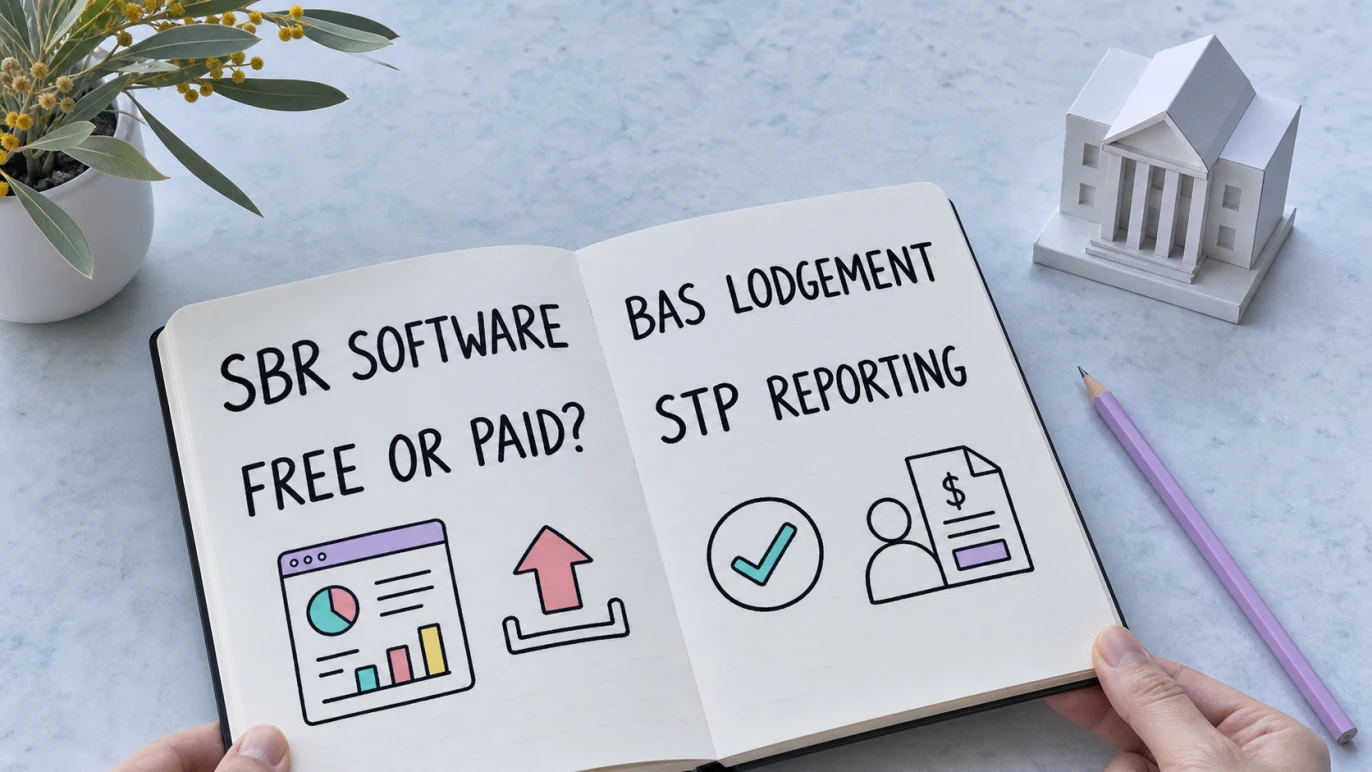
Free SBR-enabled software is available in Australia, but “free” and “SBR-enabled” are two separate claims. A free plan may cover bookkeeping but charge for direct BAS lodgement or Single Touch Payroll (STP). Another product may support only one government report, limit employees or move support into a paid tier.
The practical test is simple: confirm the exact report you need, check the software on the ATO Product Register and read the current plan inclusions. Gimbla is transparent about this distinction. Its Starter plan is free for core accounting, while direct BAS lodgement and Australian payroll with STP are part of Gimbla Plus at AUD 19.95 per month.
SBR describes how supported reports move securely from software to government. It does not mean the software, every report or every plan is free.
Quick answer
Standard Business Reporting (SBR) is an Australian Government standard built into business, accounting and payroll software. It lets a supported report use information already recorded in the software and submit that information through the SBR channel.
If you are searching for free SBR-enabled software, compare three things separately:
- whether the product supports the exact BAS, STP or other report you need
- whether that function is included in a genuinely free plan rather than a trial
- whether the software is listed for the relevant service on the ATO Software Developers Product Register
You can also lodge some business reports through ATO online services without buying an accounting subscription, but that is a portal workflow rather than integrated SBR accounting software.
Key points
- SBR-enabled software can submit only the reports and services it has been built and authorised to support.
- An ATO Product Register listing is not an ATO recommendation or endorsement.
- Free accounting does not automatically mean free BAS lodgement, free payroll or free STP.
- ATO online services can be a no-subscription alternative for eligible manual lodgements.
- Gimbla Starter is free for core books; BAS lodgement and STP are paid Plus features.
What is SBR-enabled software?
The Australian Government’s Standard Business Reporting overview explains that software developers build SBR rules into business and accounting software. When a supported report is due, the software knows which information the report needs and can use records already captured while running the business.
For a small business, that can reduce retyping between the books and a government form. It does not remove the need to review the source records, confirm the right tax or payroll treatment, submit on time and keep evidence of the response.
In this article, SBR means Standard Business Reporting. It does not mean small business restructuring, which is a different legal and insolvency topic that also uses the acronym SBR.
What can SBR software report?
SBR is a channel, not a promise that every product handles every obligation. Depending on the product and its authorised services, SBR-enabled software may support:
- Business Activity Statements and other activity-statement services
- Single Touch Payroll pay events and finalisation
- tax returns or practitioner lodgement services
- superannuation and SuperStream transactions
- other forms made available by participating government agencies
The ATO Product Register identifies the functionality, cloud software ID status and authorised services for each listed product. Open the product row rather than relying on a generic “ATO compliant” badge or a marketing page.
The register also states that the ATO does not recommend or endorse listed products. A listing helps verify technical authorisation for the named services; it does not prove that the price, workflow or support will suit your business.
Is free SBR-enabled software really free?
Sometimes, but the word “free” can describe several different arrangements. Read the plan details before moving payroll or BAS records into a product.
| Option | What may be free | What to verify |
|---|---|---|
| ATO online services | Eligible businesses can lodge some forms and statements without a software subscription | Available form, access permissions and whether figures must be entered manually |
| Free accounting plan | Invoices, bills, GST records, reconciliation and reports | Whether BAS lodgement, payroll and STP sit behind a paid upgrade |
| Free SBR product or module | A particular BAS, STP or other reporting function | Product Register service, employee or lodgement limits, support and export options |
| Free trial | Temporary access to paid software | Trial end date, ongoing price and access to records after cancellation |
| Paid integrated software | Usually no free SBR function, but books and lodgements stay together | Plan inclusions, total employee cost, setup work and adviser access |
The ATO’s online services for businesses and organisations can be a useful comparison point. A portal may avoid a software subscription, but the business may still need to prepare, check and manually enter figures. Integrated software can reduce that handoff when the ledger, payroll and lodgement workflow are genuinely connected.
How to compare free SBR software
1. Name the report, not just the acronym
Start with the job you need to complete. “I need SBR” is too broad. “I need to lodge a quarterly BAS” or “I need to report STP Phase 2 for two employees” gives you something testable.
If BAS is the priority, understand which figures come from your Business Activity Statement records. If you employ staff, read what Single Touch Payroll is before comparing payroll buttons.
2. Check the exact authorised service
Search the Product Register for the product, expand its details and look for the specific activity-statement or payroll service. Do not assume that a product listed for STP can also lodge BAS, or that activity-statement access includes every tax return.
3. Separate a free plan from a free trial
A continuing $0 plan, a time-limited trial and a promotional discount are different offers. Check what happens to your records, lodgement access and exports when the offer ends.
4. Review the complete workflow
For BAS software, check GST coding, transaction review, bank reconciliation, BAS preparation, submission status, ATO receipt details and amendment handling. For STP software, check employee setup, pay items, PAYG withholding, super, payslips, corrections, finalisation and submission responses.
The lodgement button is only the last step. Clean records and review controls determine whether the information sent is reliable.
5. Check setup and support
Cloud SBR software may require a software ID or other authorisation step. Confirm who completes the setup, how rejections are handled and whether support is available when a deadline is close. For Gimbla payroll, the software ID registration guide explains the STP connection step.
6. Keep an exit route
Check whether you can export contacts, transactions, payroll history, reports and lodgement evidence. A free product becomes expensive if moving later requires rebuilding the books or employee year-to-date records.
Free accounting versus free BAS or STP
These are related, but they are not the same product promise.
| Software promise | Typical work covered | What may still be separate |
|---|---|---|
| Free accounting software | Invoices, bills, receipts, GST tracking, reconciliation and reports | Direct BAS lodgement, bank feeds, payroll and STP |
| Free BAS software | BAS preparation or a supported activity-statement submission | Full bookkeeping, payroll, support or other tax returns |
| Free STP software | Payroll reporting for a stated number of employees or pay events | Full accounting, BAS, automated super or advanced payroll workflows |
| Integrated paid accounting | Books, BAS and payroll reporting in one system | Professional advice and responsibility for correct inputs |
If your immediate need is bookkeeping rather than direct government reporting, start with the broader guide to free accounting software in Australia. Keeping invoices, expenses, GST and reconciliations clean can make either a portal lodgement or a later SBR submission easier to review.
Where Gimbla fits
Gimbla offers a genuine free accounting starting point, but it does not describe its BAS and STP functions as free.
For the product announcement and connected report-to-submission workflow, read Gimbla Now Offers SBR-Enabled BAS Lodgment.
The free Starter plan supports core work such as invoices, quotes, bills, receipts, payments, GST tracking, bank reconciliation and financial reports. See free accounting software for Australia for the current starting-point features.
For Australian businesses, Gimbla Plus is currently listed at AUD 19.95 per month and adds:
- direct BAS lodgement
- Australian payroll and Single Touch Payroll reporting for up to four employees
- connected bank accounts, projects, multi-currency, recurring documents, attachment storage and email support
The live Gimbla pricing page is the source to check before subscribing because inclusions and prices can change.
Gimbla Payroll appears on the ATO Product Register with a cloud software ID and authorised services including Activity Statement 2025 and Payroll Event 2020. That verifies the listed ATO services; it is not an ATO recommendation or endorsement.
Simple example
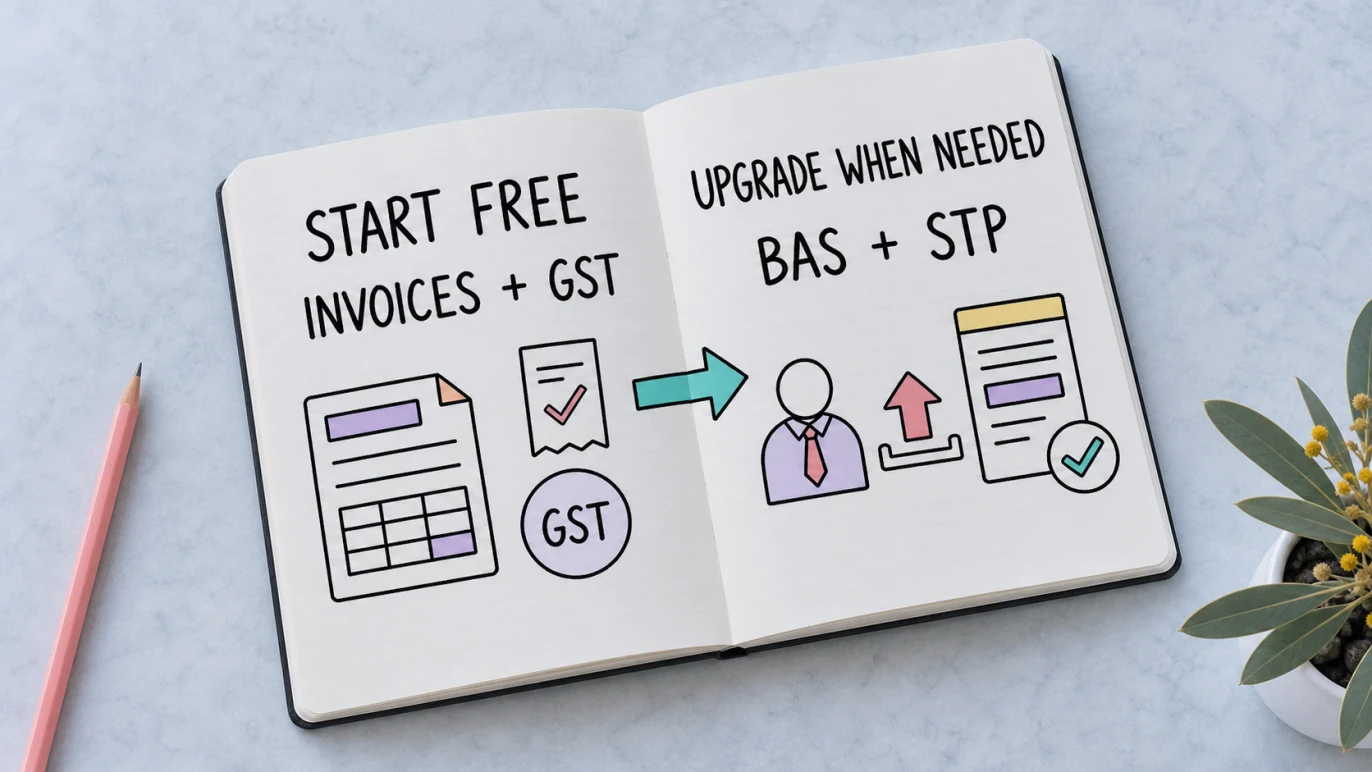
Mia starts a small landscaping business with no employees. She uses Gimbla Starter at $0 to send invoices, enter expenses, track GST and reconcile the bank. When her BAS is due, she can review those records and enter the figures through an eligible ATO online-services workflow, or move to Plus if she wants direct BAS lodgement from Gimbla.
Six months later, Mia hires two employees. Core bookkeeping is still available in Starter, but payroll and STP are now real workflow requirements. She upgrades to Gimbla Plus, sets up both employees, registers the software ID, reviews each pay run and submits STP from the payroll workflow. The upgrade is tied to a genuine need; the article does not pretend the SBR features are free.
Common mistakes to avoid
Assuming one SBR service means every SBR service
Check the exact Product Register authorisation. BAS, STP, tax returns and super services are different functions.
Treating an ATO listing as an endorsement
The register confirms authorisation for listed services and relevant security requirements. It does not rank products or guarantee that a plan is suitable.
Confusing free bookkeeping with free lodgement
A $0 accounting plan can still be valuable when it keeps reliable GST and payroll source records. It should not be marketed as free SBR software if the actual lodgement function requires payment.
Believing STP checks the whole pay run
The ATO’s Single Touch Payroll guidance explains the reporting obligation. Software does not decide the correct award, classification, hours, pay rate or super treatment for you.
Forgetting that lodgement and payment are different
Submitting a BAS does not pay the amount due. Sending STP does not pay employees, PAYG withholding or super. Keep the reporting, payment and reconciliation steps visible.
Which option suits your business?
Use the simplest workflow that still produces reliable records and meets the obligation.
- No employees and simple BAS: free accounting plus ATO online services may be enough if you are comfortable reviewing and entering figures.
- Employees: confirm a current STP-enabled payroll product and its employee limits before the first live pay run.
- Direct BAS from the books: choose software authorised for the relevant activity-statement service and check whether lodgement is in the paid plan.
- An agent lodges for you: prioritise clean records, exports and adviser access rather than paying twice for unused lodgement features.
- Growing business: compare the total workflow—bank feeds, payroll, BAS, projects, users, support and switching effort—not only the headline monthly fee.
If the correct reporting treatment is uncertain, ask a registered BAS agent, tax agent or payroll adviser. Software can carry reviewed information; it cannot replace a professional judgement that depends on your facts.
Frequently asked questions
What is SBR-enabled software?
SBR-enabled software has Standard Business Reporting rules built in so it can prepare and submit supported reports to government agencies through the SBR channel. Each product supports specific reports, so check its authorised services.
Is there free SBR-enabled software in Australia?
Some providers advertise free SBR-enabled BAS or STP functions, while ATO online services allow eligible businesses to lodge some reports without an accounting-software subscription. Check current plan limits and the ATO Product Register before relying on any option.
Is Gimbla free for BAS lodgement and STP?
No. Gimbla Starter is free for core accounting, but direct BAS lodgement and Australian payroll with STP reporting are included in the paid Plus plan, currently listed at AUD 19.95 per month.
How do I check whether SBR software is legitimate?
Search the ATO Software Developers Product Register, open the product entry and check the exact authorised service you need. A listing confirms authorisation for listed services but is not an ATO recommendation or endorsement.
The bottom line
Free SBR-enabled software can be useful when the no-cost plan genuinely supports the report, business size and records you need. Verify the authorised service, continuing price, setup, support and export path before relying on it.
Gimbla takes a clear split: free Starter accounting for core records, then paid Plus for direct BAS lodgement and Australian payroll with STP. That may or may not be the right choice for your business, but the feature boundary is explicit.