Accounting Packages in Australia: 2026 Small Business Checklist
Published May 20th, 2026 | Updated August 3rd, 2026 | Team Gimbla
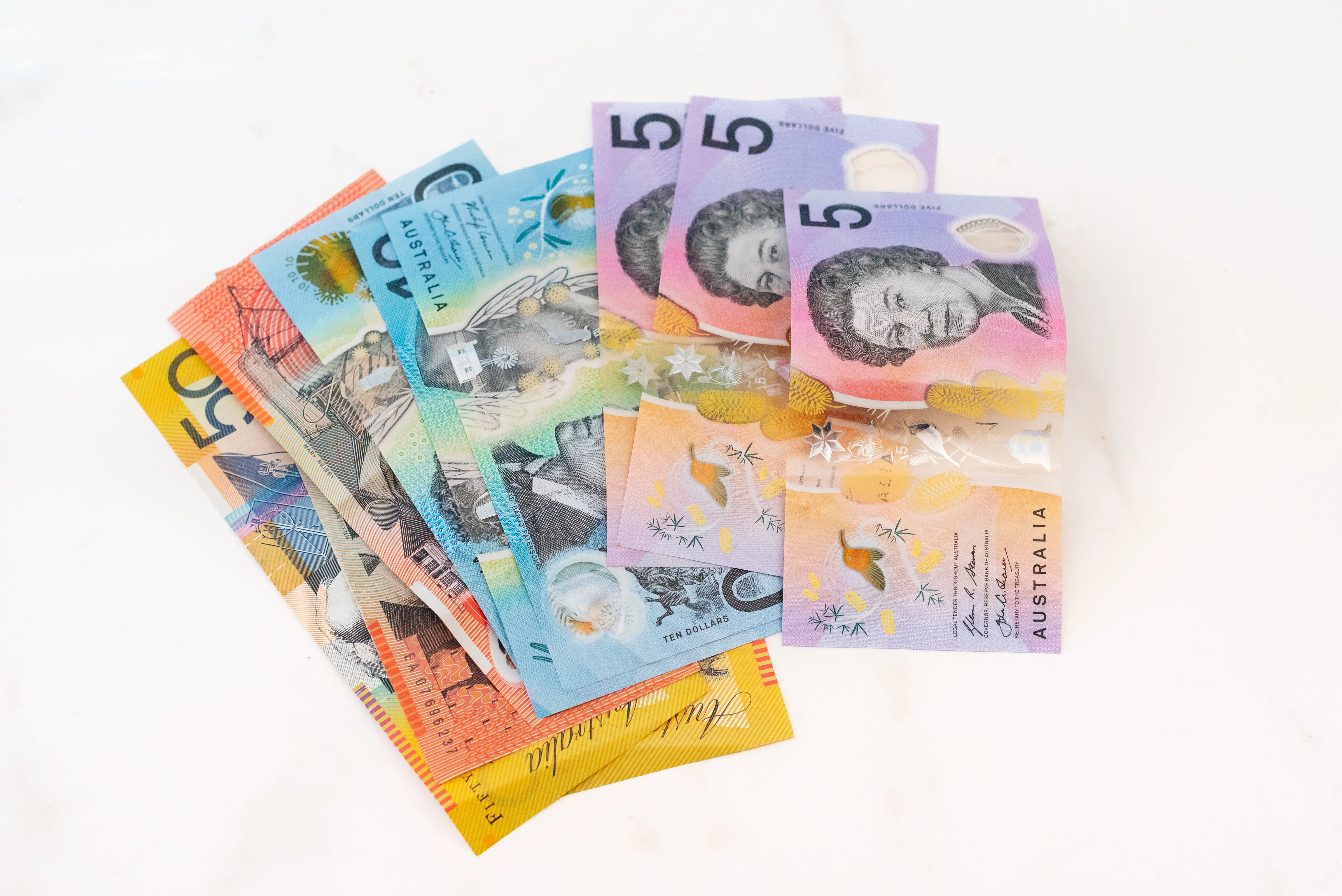
An accounting package is the software or record-keeping system a business uses to manage invoices, supplier bills, GST, BAS, payroll, bank reconciliation, reports and accountant collaboration. For Australian small businesses, the best package is the one that fits the work you actually do, not simply the one with the most recognisable name.
Good accounting software should reduce the gap between daily admin and reliable reports. It should help you create clean records as work happens, so your Profit and Loss, balance sheet, GST records and cash flow decisions are not built from guesswork or month-end spreadsheet repair.
Choose accounting software around your obligations and workflow first. The feature list matters only when it makes the next invoice, bill, reconciliation or report easier to trust.
Quick answer
Australian businesses should compare accounting packages by GST/BAS support, invoicing, bills, bank reconciliation, chart of accounts, reports, payroll/STP if needed, user access, price, free-plan limits and switching effort. The ATO says businesses can use manual or digital systems, and digital systems can help streamline administration when they fit the business.
If you are comparing named products, pair this guide with the more detailed which accounting software is used in Australia article. If your shortlist is down to the two familiar cloud options, the MYOB Business vs Xero comparison explains how the old MYOB Essentials name, plan limits, payroll and BAS workflows fit into that decision.
Software accounting packages: Australian comparison
| Package and plan | Regular Australian price | GST and BAS | STP and payroll | Bank feeds | Reporting | Free plan | Best-fit business type |
|---|---|---|---|---|---|---|---|
| Gimbla Plus | $19.95 AUD/month; Starter is $0 | GST tracking and direct BAS lodgment | Included for 4 employees; $1.50 per additional employee/month | Connected feeds for up to 2 banks, with multiple accounts per bank | Comprehensive financial reports | Yes — $0 Starter, not a trial; inactivity terms apply | Sole traders and small employers wanting a free core option and a low-cost Australian upgrade |
| Xero Grow | $78/month including GST | GST tracking and BAS lodgment | Included for 2 people, with STP and automated super | Automated feeds and reconciliation; no published account cap | Real-time reports, dashboards and a 60-day cash-flow forecast | No — temporary introductory offers only | Small teams wanting payroll for 2 people bundled with accounting and bank feeds |
| MYOB Business Pro | $70/month plus GST ($77 including GST) | GST tracking and direct ATO BAS lodgment | STP payroll add-on: $3 per employee/month plus GST; unlimited employees | Unlimited connected bank accounts | Standard and custom reports, budgets and job tracking | No — 14-day trial | Growing businesses that prefer a MYOB workflow and payroll priced by headcount |
| QuickBooks Online Essentials | $60/month including GST | GST tracking and BAS e-lodgment | STP payroll add-on: $6 per active employee paid/month including GST | Automated bank feeds and reconciliation | Profit and Loss, balance sheet, cash flow and comparison reports | No — 30-day trial | Service businesses needing bills, recurring transactions, multi-currency and 3 users |
| Reckon One Accounting Plus | $24/month including GST | GST tracking and BAS reporting; submit through the ATO or an agent | STP payroll add-on from $16/month for up to 4 employees | Open Banking and direct feeds; unlimited Reckon One data feeds | 30+ reports, including Profit and Loss and balance sheet | No — 30-day trial that converts to paid unless cancelled | Price-conscious small teams wanting modular accounting, unlimited users and optional payroll |
Prices and features checked 3 August 2026. The named plan is the basis for each row. Regular prices are shown instead of short-term discounts, and payroll add-ons are identified separately. MYOB’s GST-inclusive equivalent is calculated from its Australian business terms. “Best fit” is Gimbla’s editorial assessment based on the listed features, not a vendor claim. Check the current plan before subscribing because prices, features and trial terms can change.
Key points
- Start with your obligations: GST, BAS, PAYG, payroll, super and record keeping.
- Compare workflow depth, not just the number of features on a pricing page.
- Check whether the software supports your accountant, bookkeeper or BAS agent.
- Understand what is included in the free plan and what moves into a paid tier.
- Plan the switch before importing opening balances, customers, suppliers and bank accounts.
Types of accounting packages
Most Australian small businesses now choose cloud accounting software, but the category still matters. A package can be a spreadsheet system, a free cloud plan, a full cloud accounting platform, a payroll tool, or an industry-specific app that connects to the books.
| Package type | Best fit | Watch out for |
|---|---|---|
| Spreadsheet or manual records | Very small, low-volume businesses with simple tax affairs | Formula errors, weak audit trail and slow reporting |
| Free cloud accounting software | Sole traders, micro businesses and new small businesses | Paid upgrades may be needed for advanced features |
| Full cloud accounting platform | Businesses with staff, inventory, projects, bank feeds or advisors | Subscription cost and feature complexity |
| Payroll-focused software | Employers that mainly need compliant pay runs | May not replace full bookkeeping or BAS records |
| Industry-specific tools | Retail, trade, hospitality, ecommerce or professional services | May still need accounting integration |
The right answer can change as the business grows. A sole trader may start with a simple free plan, then add bank feeds, multi-currency, payroll, BAS lodgment or project tracking later.
What Australian businesses should check
Use this checklist before choosing a package.
| Decision area | What to check | Why it matters |
|---|---|---|
| GST and BAS | Tax codes, GST reports and BAS support | Helps avoid rebuilding GST figures manually |
| Invoicing | Tax invoice details, reminders and payment tracking | Supports cash flow and customer follow-up |
| Supplier bills | Bills, purchase orders, credits and payments | Keeps accounts payable visible |
| Bank reconciliation | Bank feeds or statement upload, matching and bank rules | Helps prove the books agree with cash |
| Payroll and STP | Employee setup, pay runs, super and STP reporting | Needed if you employ staff in Australia |
| Reporting | Profit and Loss, balance sheet, aged receivables and cash reports | Turns records into decisions |
| Users and access | Roles, accountant access and multiple users | Reduces shared-login risk |
| Free or paid fit | Free plan limits, paid plan features and add-on costs | Prevents surprise subscription creep |
| Switching effort | Opening balances, contacts, unpaid invoices, bills and reports | Stops the new file starting with bad data |
The ATO’s business record guidance is a useful reminder that software choice is part of a wider record-keeping system, not a replacement for good habits.
Free vs paid accounting software
Free accounting software can be a strong starting point when the business needs core bookkeeping: invoices, bills, receipts, payments, bank reconciliation, tax tracking and reports. If you are comparing a free program against a paid package, use the dedicated guide to free accounting programs as a second check.
A paid plan may be worth it when you need:
- multi-currency invoices or bank accounts
- recurring invoices or recurring bills
- storage for attachments
- project tracking
- connected bank feeds
- BAS lodgment support
- payroll and Single Touch Payroll
- more advanced reporting or support
Gimbla’s Starter plan is free and includes core accounting features such as invoices and quotes, bills, payments, receipts, accounts payable and receivable, bank account reconciliation, double-entry bookkeeping, GST/VAT/sales tax tracking, financial reports and daily backups. The pricing page shows how the Plus plan adds more advanced features.
Do not ignore switching work
Changing accounting software is not only a login decision. You may need to bring across:
- business details and tax settings
- chart of accounts
- customers and suppliers
- opening balances
- unpaid invoices and bills
- bank accounts and starting reconciliation balances
- payroll records, if relevant
- report comparisons from the old system
Before switching, read the switching to Gimbla guide and confirm the cutover date with your accountant or bookkeeper.
Where Gimbla fits
Gimbla is designed for small businesses that want capable accounting without unnecessary complexity. It can support everyday workflows such as:
- sending invoices and quotes
- recording supplier bills
- tracking GST, VAT or sales tax
- reconciling bank accounts
- reviewing financial reports
- using bank feeds, where available
- managing projects
- using Single Touch Payroll for Australian payroll workflows
If your main need is Australian GST and BAS, start with free accounting software for Australia, compare free and paid SBR-enabled software, then review the BAS lodgment workflow.
Frequently asked questions
What should Australian small businesses look for in accounting software?
Look for the features that create reliable records: invoices, bills, GST, BAS, bank reconciliation, reports, accountant access and payroll/STP if you employ staff.
Is free accounting software enough?
It can be. Free software is most suitable when your business has simple bookkeeping needs and the free plan supports the records and reports you need.
Do sole traders need accounting software?
Sole traders can use spreadsheets, but software usually makes invoicing, expense tracking, GST and year-end reporting easier. See the sole trader accounting software guide for a deeper walkthrough.
Should I choose software before speaking to an accountant?
You can shortlist options first, but ask your accountant or BAS agent whether the software produces the reports and tax details they need.
Conclusion
Accounting packages are not interchangeable. The right one should make daily records cleaner, reports easier to trust and tax-time work less reactive.
For most small businesses, the strongest choice is the package that handles the next practical step well: send the invoice, enter the bill, reconcile the bank, check GST and understand the report before making a decision.