- Overview
- Quick answer
- Key points
- What payroll means for a small business
- The four payroll numbers to understand
- A simple payroll workflow
- STP, PAYG withholding and super in plain English
- Example: a first fortnightly pay run
- Common payroll mistakes to avoid
- Where payroll software helps
- How Gimbla helps with small-business payroll
- Frequently asked questions
- The bottom line
Payroll for Small Business in Australia: A Simple Guide
Published May 22nd, 2026 | Updated May 23rd, 2026 | Team Gimbla
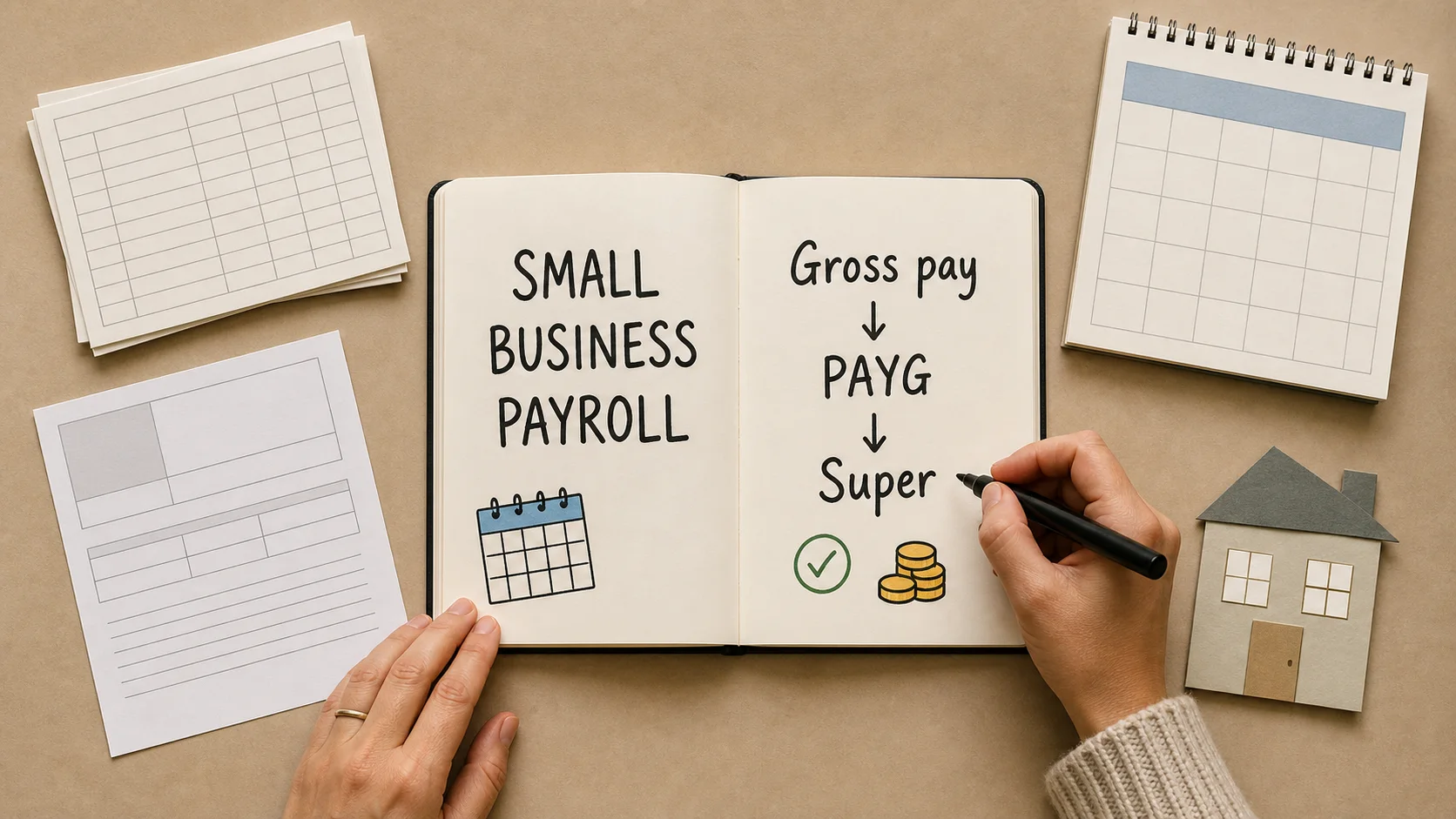
Payroll for a small business in Australia means more than paying staff from the bank account. Each pay run needs a clean path from employee details to gross pay, PAYG withholding, Superannuation Guarantee, net pay, payslips, Single Touch Payroll (STP) reporting and accounting records.
The simple way to think about payroll is this: work out what the employee earned, work out what must be withheld or added, pay the employee correctly, then keep the records that prove what happened. Payroll software helps because it keeps those steps in one repeatable workflow instead of relying on loose spreadsheets and memory.
Payroll is a routine, not a one-off calculation. The safest small-business setup makes every pay run easy to review, report and trace.
Quick answer
Australian small-business payroll has four core numbers: gross pay, PAYG withholding, employer super and net pay. Once those numbers are correct, the business also needs to issue payslips, report pay, tax and super information through STP, pay super by the required deadline and keep accurate records.
If you employ even one person, you need a reliable payroll process. That might be STP-enabled payroll software, a registered tax or BAS agent, or another service provider. If you are a sole trader taking money out of your own business, that is usually a drawing rather than payroll, but hiring staff changes the picture.
Key points
- Payroll starts with worker type, employee details and pay-cycle setup, not the final bank transfer.
- Gross pay, PAYG withholding, super and net pay should be reviewed before wages are paid.
- STP reporting, payslips and records are part of payroll, not separate admin chores.
- From 1 July 2025, the general Superannuation Guarantee rate is 12% of ordinary time earnings.
- From 1 July 2026, Annual Wage Review 2026 rate changes and Payday Super both make July payroll setup more important.
What payroll means for a small business
Payroll is the process of calculating, paying, reporting and recording employee pay. In a small business, it usually involves:
- Confirming the person is an employee, company director, contractor or sole trader drawing.
- Collecting tax, bank, super and employment details.
- Setting the pay cycle, such as weekly, fortnightly or monthly.
- Calculating ordinary hours, leave, allowances, overtime, reimbursements and deductions.
- Working out PAYG withholding.
- Calculating employer super.
- Paying the employee’s net pay.
- Issuing a payslip.
- Reporting through STP.
- Keeping payroll records and posting the accounting entries.
The business.gov.au hiring employees guide explains that employers report employees’ pay, tax and super information through STP every time they pay them. It also points employers to PAYG withholding, super and payslip obligations, which is why payroll needs to be set up before the first live pay run.
The four payroll numbers to understand
Most beginner payroll confusion comes from mixing up gross pay, tax withheld, super and take-home pay. They are connected, but they are not the same thing.
| Payroll number | Plain-English meaning | Practical check |
|---|---|---|
| Gross pay | The employee’s pay before tax withholding and deductions | Does it match hours, salary, leave, allowances and the pay period? |
| PAYG withholding | Tax withheld from certain payments and later paid to the ATO | Are the employee’s tax details current and is the withholding calculated using the right settings? |
| Superannuation Guarantee | Employer super contribution, generally paid on top of wages for eligible workers | Is the worker eligible, is the pay item superable, and is the 12% rate applied where required? |
| Net pay | The amount paid into the employee’s bank account after withholding and deductions | Does the bank payment match the approved pay run and payslip? |
Gimbla’s glossary pages explain the individual pieces in more detail: PAYG withholding, Superannuation Guarantee and Single Touch Payroll.
A simple payroll workflow
1. Confirm the worker type
Before you run payroll, confirm whether the person is an employee, contractor, company director or sole trader drawing money from their own business. The setup affects PAYG withholding, super, STP, payslips and records.
If the person is a company director who also works in the business, the guide to director salary and directors’ fees explains how salary, directors’ fees, dividends and director loans should stay separate.
This matters for sole traders. Money a sole trader takes from the business for personal use is generally a drawing, not employee wages. But once the business hires an employee, payroll obligations can apply.
2. Register and connect the basics
If you will withhold tax from employee pay, register for PAYG withholding before the first relevant payment. The business.gov.au PAYG withholding guide explains that PAYG withholding is tax taken from some payments and paid to the Australian Taxation Office.
You will also need an STP reporting path. That usually means payroll software connected to the ATO, or a registered provider reporting for you. In Gimbla, the register software ID guide walks through the ATO connection step.
3. Set up the employee properly
Employee setup should happen once and be reviewed when details change. Store the employee’s name, tax details, bank account, super fund, pay rate, regular hours, leave setup and recurring pay items.
Gimbla’s create an employee guide is the practical starting point for setting up employee records and pay items before a first pay run.
4. Collect and approve hours
If the employee works variable hours, close and approve timesheets before starting payroll. That prevents the pay run turning into a last-minute chase for missing hours.
For a Gimbla workflow, the timesheet add and approve guide shows how hours can move from submission to approval before payroll is processed.
5. Prepare and review the pay run
The draft pay run should bring together ordinary pay, approved hours, leave, allowances, deductions, PAYG withholding, super and net pay. Review the numbers before payment, especially when there are manual adjustments, new employees, changed bank details, unpaid leave or unusual hours.
For the first few pay runs, compare the draft against the employee’s agreement, award or contract details. Software can calculate and store repeatable settings, but it still relies on correct inputs.
Before the first July 2026 pay run, use the Annual Wage Review 2026 payroll checklist to check award rates, classifications and pay-cycle timing.
6. Pay, report and record
After approval, pay the employee, issue the payslip, lodge STP where required and post the payroll records into the accounts. Use the Australian payslip requirements guide to check the employee-facing document before it is sent. The accounting side matters because wages, PAYG withholding, super, reimbursements and deductions affect reports and cash flow.
The Fair Work Ombudsman’s record-keeping page says employee records must be kept for seven years. Its record-keeping and pay slips fact sheet is also useful when checking what payslips and records need to contain.
STP, PAYG withholding and super in plain English
Single Touch Payroll
Single Touch Payroll is the ATO reporting system for pay, tax and super information. For most employers, payroll information is reported through STP each time employees are paid. STP does not replace the need to calculate pay correctly; it reports the payroll result to the ATO.
If you are new to the concept, start with Gimbla’s guide to what Single Touch Payroll is.
PAYG withholding
PAYG withholding is tax held back from an employee’s gross pay and later paid to the ATO. The employee receives net pay, while the withheld amount is reported and paid through the business’s normal tax reporting cycle. The PAYG withholding glossary explains the basic setup and how it differs from PAYG instalments.
The main setup risk is using incomplete or stale employee tax details. A tax file number declaration, tax-free threshold choice, STSL study-loan details, residency settings and the current PAYG tax table can all affect withholding. The ATO’s 2026 PAYG withholding tax tables say updated schedules and tax tables apply from 1 July 2026, so payroll settings need a current-year check before the first July pay run.
Superannuation Guarantee
Superannuation Guarantee is employer super paid for eligible workers. The ATO’s how much super to pay guidance says that from 1 July 2025 the general SG rate is 12% of ordinary time earnings.
Until Payday Super starts, many employers still manage SG on a quarterly cycle. From 1 July 2026, the ATO’s Payday Super guidance says employers must pay employees’ super guarantee on payday, at the same time as salary and wages. That makes super setup and pay-run timing more important for every small employer.
If you currently use the ATO Small Business Superannuation Clearing House, use the SBSCH closure and Payday Super checklist to plan the payment-method cutover before the new timing rules start.
Example: a first fortnightly pay run
Imagine a small design studio pays one employee fortnightly. Before the first pay run, the owner has registered for PAYG withholding, connected STP-enabled software, collected employee tax and super details, set the employee’s ordinary hours and confirmed the pay cycle.
The first pay run review might look like this:
| Pay-run item | What the owner checks |
|---|---|
| Gross pay | The fortnightly salary or approved hours match the employment agreement |
| PAYG withholding | The software has the employee’s current tax settings |
| Super | SG is calculated on the correct pay items at the current rate |
| Net pay | The bank payment amount matches the approved pay run |
| Payslip | The payslip is ready to issue after approval |
| STP | The payroll report is ready to lodge through the connected software |
| Accounting records | Wage expense, PAYG withholding and super liability will be recorded clearly |
Notice what is not happening: the owner is not guessing the tax amount manually, keeping super in a separate note or waiting until year end to reconstruct payroll. The pay run becomes a repeatable review.
Common payroll mistakes to avoid
Starting with the bank transfer
If payroll starts with “how much should I transfer?”, the record-keeping is already behind. Start with employee setup, gross pay, withholding, super and payslip details, then pay the approved net amount.
Treating STP as the whole payroll job
STP is important, but it is only one part of payroll. You still need correct pay rates, leave, payslips, records, PAYG withholding, super and accounting entries.
Forgetting that super is an employer cost
Superannuation Guarantee is generally paid on top of wages, not taken from the employee’s net pay. Build it into payroll cost and cash-flow planning.
Letting payroll and bookkeeping drift apart
Payroll affects the profit and loss, balance sheet, BAS preparation and cash flow. If payroll records sit outside the accounts, month-end cleanup becomes harder.
Waiting until July 2026 to think about Payday Super
Payday Super changes timing. Businesses that currently treat super as a quarterly batch should clean employee super details, review pay items and test a more frequent workflow before 1 July 2026.
Where payroll software helps
Payroll software helps most when it makes the same checks happen consistently every pay cycle. Useful features include:
- employee records for tax, bank, super and pay details
- recurring pay items for ordinary wages, allowances and deductions
- timesheets and approval workflows
- PAYG withholding and super calculations
- payslip generation
- STP reporting
- payroll reports and accounting journals
- year-end finalisation support
If you only have one employee, the guide to payroll software for one employee may be the better next read. If you are comparing no-cost options, start with free payroll software in Australia. If you are deciding between a standalone payroll tool and connected accounting software, see payroll-only software for small business. If your main problem is processing time, read Australian payroll software for fast pay runs.
How Gimbla helps with small-business payroll
Gimbla is built for Australian small businesses that want payroll and accounting records close together. That means payroll can connect naturally with timesheets, pay runs, STP, super, reports and bookkeeping.
Helpful starting points include:
- Gimbla Single Touch Payroll for the main payroll software page
- Create an employee for employee setup
- Register your software ID for the ATO connection step
- Timesheet add and approve for approved hours
- Payday Super ready for the upcoming super timing change
- Paying super for contractors if contractor super is part of your workflow
The goal is not to make payroll feel bigger than it is. The goal is to make every pay run traceable enough that you can answer simple questions quickly: who was paid, what was withheld, what super was calculated, what was reported, and how the amounts reached the accounts.
Frequently asked questions
Do small businesses need payroll software in Australia?
Most employers need STP-enabled payroll software or a registered service provider so they can report payroll information and keep a reliable workflow for pay, PAYG withholding, payslips, super and records. Very small employers may have specific concessions or provider options, but they still need a compliant process.
What are the main payroll steps for a small business?
The main steps are confirm the worker type, set up employee details, calculate gross pay, withhold PAYG, calculate super, pay net wages, issue a payslip, report STP and keep records. If employees work variable hours, timesheet approval should happen before the pay run is prepared.
What is the super rate for Australian payroll in 2026?
For salary and wages paid from 1 July 2025, the general Superannuation Guarantee rate is 12% of an eligible worker’s ordinary time earnings. Some pay items and worker situations need closer checking, so use ATO guidance or professional advice for unusual cases.
What changes when Payday Super starts?
From 1 July 2026, employers must pay employees’ super guarantee on payday instead of treating super as a quarterly process. That means employee super details, pay-run approval, payment timing and error handling need to be ready to work closer to each wage payment.
The bottom line
Small-business payroll is manageable when it is treated as a repeatable workflow: set up the employee correctly, review gross pay, PAYG withholding, super and net pay, then issue payslips, report STP and keep the records aligned with the accounts.
If you are starting from scratch, begin with the basics: worker type, PAYG withholding, STP connection, employee setup and one clean pay-run review. Once those are in place, payroll becomes a regular business rhythm rather than a scramble on pay day.