IRD Overdue Tax Messages: Records NZ Businesses Should Check
Published June 11th, 2026 | Team Gimbla
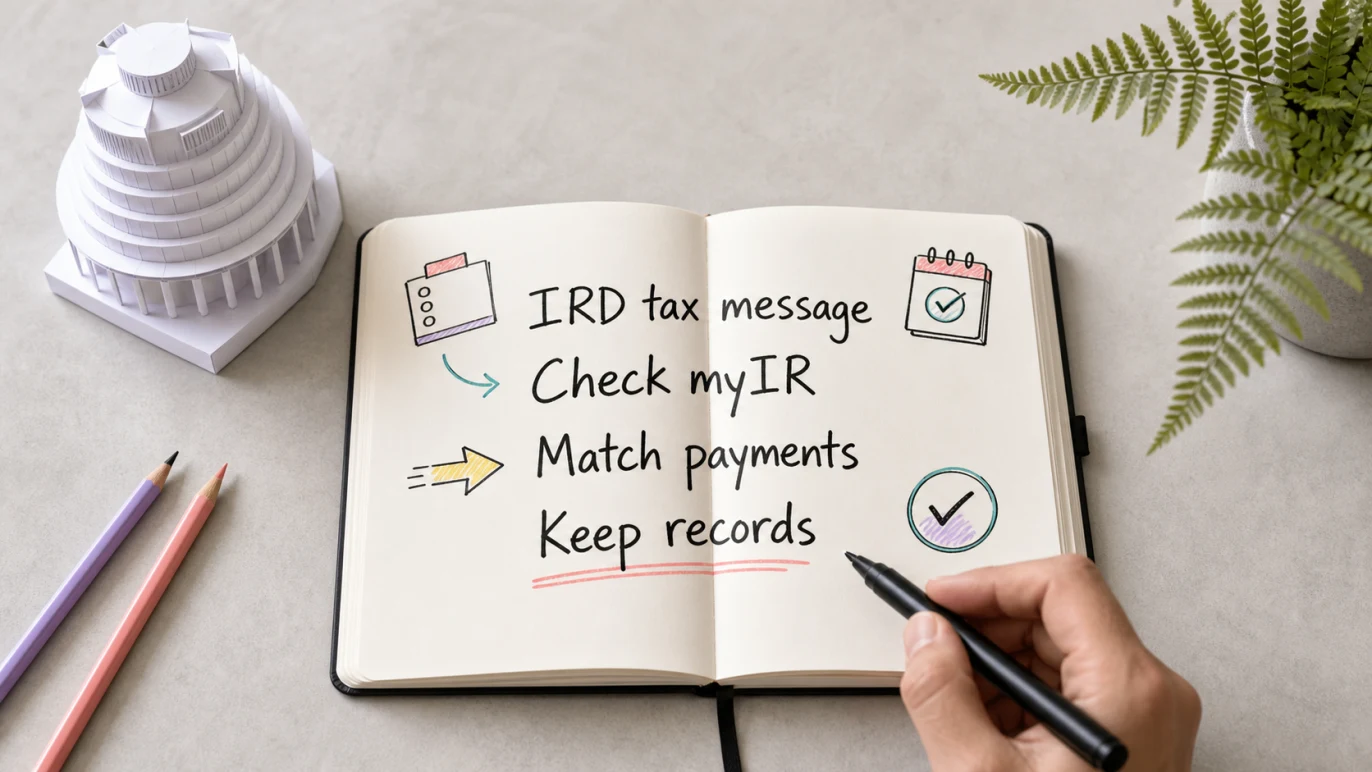
New Zealand businesses that receive an Inland Revenue overdue-tax message in June 2026 should treat it as a prompt to check records, not as the record itself. Confirm the message, log in to myIR through the official site, compare the return and payment details with your books, then decide what needs filing, payment, correction or adviser review.
The bookkeeping job is practical: match the IRD reminder to returns, bank payments, GST or income tax accounts, cash-flow timing and source documents before you respond.
An overdue-tax message should send you back to the records: myIR, return periods, bank transactions, tax accounts and adviser notes all need to tell the same story.
Quick answer
Inland Revenue’s 9 June 2026 update says it is contacting about 2,000 customers between 10 and 19 June who have overdue tax of more than $100 and 1 or 2 outstanding tax returns. The message may be a pre-recorded call or voicemail, and IRD says the number 0800 951 758 will display.
If your business receives a message, do not work from memory. Check myIR, the return period, the amount overdue, whether any payment has already left the bank, and whether the issue relates to GST, income tax, PAYE, provisional tax or another account. If you pay or file late, Inland Revenue’s penalties and interest guidance says interest and penalties may apply.
Key points
- This is a New Zealand tax-records issue tied to Inland Revenue, myIR and local tax-payment records.
- IRD’s June 2026 automated-message campaign is about overdue tax and 1 or 2 outstanding returns.
- A voicemail is not enough evidence by itself. Check myIR and your own records before paying or filing.
- Bank reconciliation can show whether a payment was missed, duplicated, coded to the wrong account or still uncleared.
- If cash is tight, separate the tax due, return filing, payment plan or adviser conversation from ordinary supplier-payment decisions.
What IRD said about the June 2026 messages
IRD says the June contact campaign runs from 10 to 19 June 2026 and is aimed at customers with overdue tax over $100 and 1 or 2 outstanding returns. The message may remind the customer to pay tax or file a return and give ways to contact Inland Revenue.
That does not mean every unexpected tax call is automatically safe. It means a New Zealand business should use a calm verification workflow:
- Note the date, phone number and message details.
- Go to myIR directly from the official Inland Revenue site, not from an unexpected link.
- Check which tax type and period the message refers to.
- Compare the IRD balance with your accounting records and bank payments.
- Call IRD on the official number or ask your accountant if the records do not match.
What to check in the books
The accounting file should help explain whether the overdue amount is real, already paid, partly paid, disputed or sitting in the wrong account.
| Record to check | What it can reveal | Bookkeeping action |
|---|---|---|
| myIR account | Tax type, return period, amount due and filing status | Use this as the official starting point |
| GST or tax return workpapers | Whether the return was prepared, filed or left unfinished | Save the return support with the period records |
| Bank transactions | Whether payment left the bank, failed, duplicated or used the wrong reference | Match the transaction during bank reconciliation |
| Tax liability accounts | Whether GST, PAYE or income tax was coded to the right account | Keep tax payable separate from ordinary expenses |
| Cash-flow forecast | Whether payment timing creates pressure on wages, suppliers or rent | Plan the next cash movement before approving other payments |
If the records are messy, fix the record trail before making a management decision. A late tax payment can be a cash-flow problem, a filing problem, a coding problem or simply a payment-reference problem.
Do not mix tax debt with ordinary bills
Overdue tax is not the same as an unpaid supplier bill. It usually needs a different workflow because the amount may connect to a filed return, a statutory due date, penalties, interest or a payment arrangement.
For example, a GST balance should stay connected to GST reports, taxable supplies, purchases, adjustments and the bank payment. If it is treated like a general expense, the Profit and Loss may be misleading and the next GST return may be harder to review.
The same logic applies to income tax, PAYE and provisional tax. Keep the liability account, return support and payment record together so the accountant does not need to reconstruct the trail later.
Simple example
A Wellington landscaping business receives an IRD voicemail on 12 June 2026. The owner remembers paying something to Inland Revenue last month but is not sure which return it covered.
The owner should not pay from memory. A cleaner workflow is:
- Log into myIR and check the overdue account and period.
- Open the accounting file and review the tax liability account for the same period.
- Check the bank reconciliation for recent Inland Revenue payments.
- Confirm whether the earlier payment was for GST, PAYE, income tax or another account.
- Save a note for the accountant if myIR and the books do not agree.
That process may show the tax is still unpaid. It may also show a payment was made with the wrong reference, coded to the wrong liability account or applied to a different period. Either way, the business can respond with evidence instead of guesswork.
Common mistakes after an overdue-tax message
- Paying immediately from a voicemail without checking myIR.
- Clicking unexpected links instead of going to the official Inland Revenue site.
- Assuming the overdue amount is GST when it may relate to another tax account.
- Recording a tax payment as an ordinary expense instead of clearing a liability.
- Forgetting to reconcile the bank payment after it leaves the account.
- Ignoring a missing return because the cash payment was made.
- Leaving accountant notes outside the accounting file.
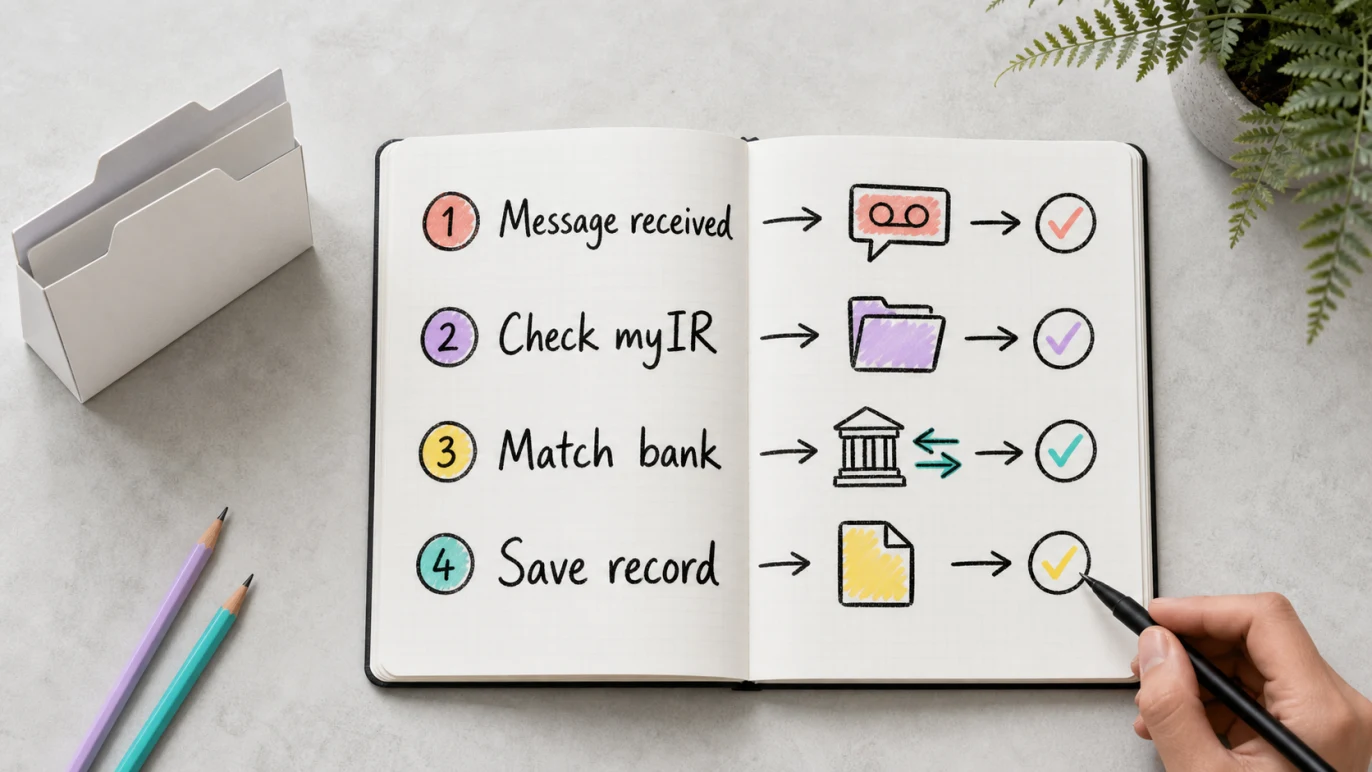
The safest habit is to separate verification from payment. First confirm the message and tax account. Then check the books. Then file, pay, correct or ask for advice.
How Gimbla can help
Gimbla does not replace myIR, Inland Revenue guidance or professional tax advice. It helps with the records around the tax decision:
- Keep invoices, expenses and GST-friendly records in one place.
- Use bank reconciliation to match Inland Revenue payments to the bank feed.
- Review cash flow before approving a tax payment alongside wages, rent and supplier bills.
- Keep tax liabilities separate from ordinary income and expenses.
- Use reports and notes to explain what changed before the accountant reviews the period.
For New Zealand businesses, the New Zealand accounting software page is the natural starting point for invoices, expenses, GST-friendly records and everyday bookkeeping. If overdue tax relates to invoice timing or government customer payments, the New Zealand eInvoicing prompt-payment guide may also help you tighten the receivables side of the workflow.
Before you respond
Use this short review before calling IRD, paying, filing or asking your accountant:
- Is the phone number and message consistent with IRD’s published update?
- Does myIR show the same account, amount and return period?
- Has the return been filed, saved as a draft or missed entirely?
- Is there already a bank payment that needs matching or correction?
- Is the tax liability account still showing an unpaid balance?
- Will payment create a cash-flow issue for the next wages, rent or supplier run?
- Have you saved the message details, myIR screenshot or adviser note with the period records?
If the answer is unclear, pause before paying from the bank account. A few minutes of record checking can prevent a second clean-up job later.
Frequently asked questions
Is Inland Revenue making automated calls about overdue tax in June 2026?
Yes. Inland Revenue says it may contact about 2,000 customers between 10 and 19 June 2026 about overdue tax over $100 and 1 or 2 outstanding tax returns. Some customers may receive a pre-recorded call or voicemail.
What should a New Zealand business check after an IRD overdue tax message?
Check myIR, the tax type, return period, amount due, filing status, bank payments, tax liability accounts and any accountant correspondence. Do not rely only on the message.
How can I reduce scam risk after a tax message?
Do not click unexpected links or share sensitive details from a message alone. Go to myIR directly from Inland Revenue’s official site, check the displayed phone number, and call IRD or your accountant if the message does not match your records.
Can Gimbla tell me what tax to pay Inland Revenue?
No. Gimbla can help keep the bookkeeping trail clean, but payment decisions should be checked in myIR, with Inland Revenue, or with your accountant or tax adviser.
Conclusion
IRD’s June 2026 overdue-tax messages are a useful prompt for New Zealand businesses to clean up records before a late return or tax balance becomes harder to explain. Treat the message as the start of a verification workflow: check myIR, match the bank, review the tax account, file missing returns and keep adviser notes with the period records.
That gives the business a clearer path from reminder to record to payment decision.