- Overview
- Quick answer
- Key points
- What “free payroll software” really means
- The checks a free plan still needs to pass
- When free payroll software is enough
- When free stops being cheap
- Why Payday Super changes the decision
- Free payroll software vs connected accounting
- How Gimbla fits
- A selection checklist
- Frequently asked questions
- The bottom line
Free Payroll Software in Australia: What to Check Before You Choose
Published June 1st, 2026 | Updated June 15th, 2026 | Team Gimbla
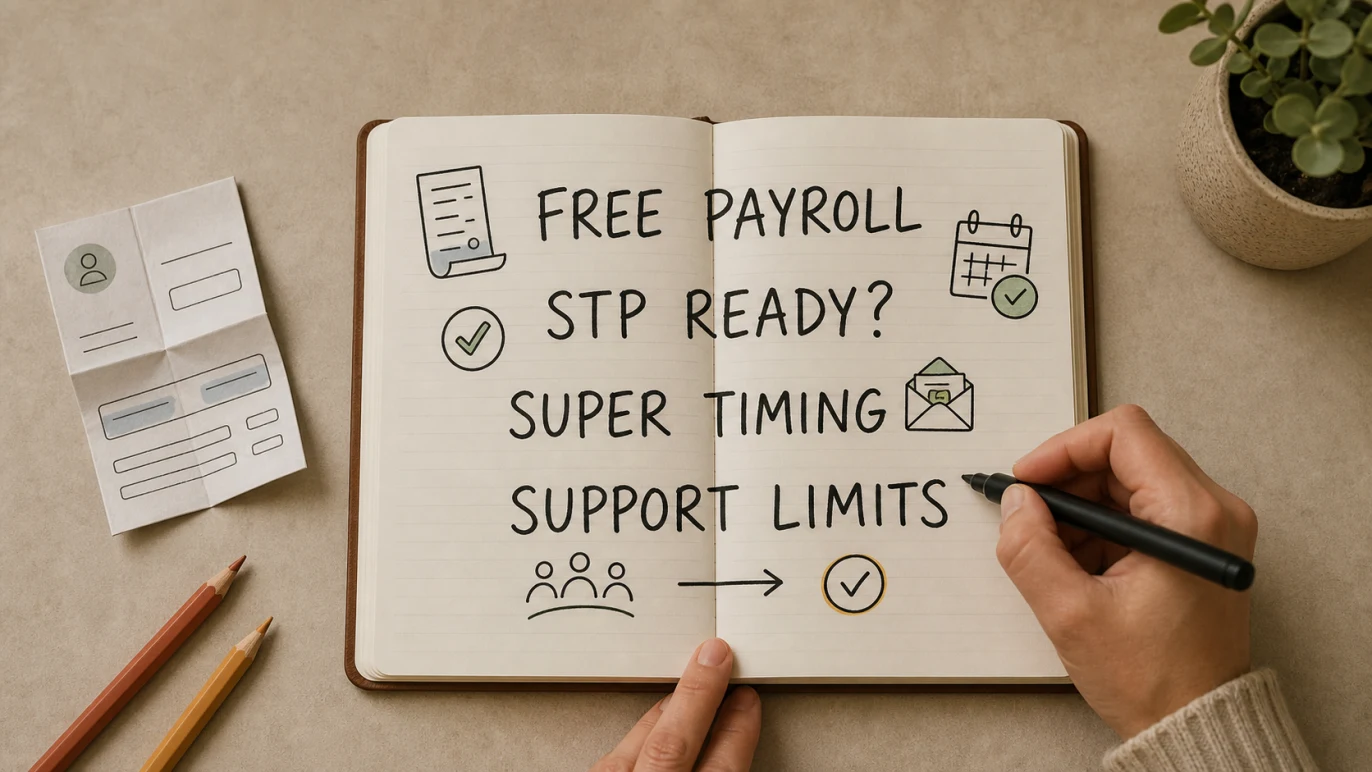
Free payroll software can work for Australian small employers, but only if it covers the jobs that make payroll reliable: employee setup, PAYG withholding, payslips, Single Touch Payroll (STP), super records, payroll reports and secure history.
The catch is that “free” often means limited employees, limited support, limited STP submissions, a trial period, or a payroll tool that does not connect cleanly to your accounting records. That can be fine when payroll is simple. It becomes risky when the free tool leaves STP, super, corrections or bookkeeping cleanup outside the system.
The best free payroll software is not the one with the lowest price. It is the one that makes every pay run easy to calculate, report, record and explain later.
Quick answer
Yes, there are free payroll software options in Australia, but you should compare them by workflow rather than price alone. A useful free setup still needs to help you pay employees correctly, issue payslips, report through STP, keep records, manage super and move payroll totals into the accounts.
Australian employers generally need to report pay, tax and super information through STP each time they pay employees. The business.gov.au hiring employees guide also points employers to PAYG withholding, payslips and super obligations. Fair Work’s record-keeping and pay slips fact sheet says employers must keep accurate records and issue payslips within one working day of pay day.
That is why the safest question is not “is it free?” but “what happens after the first pay run?”
Key points
- Free payroll software can suit very small teams, especially when pay cycles are simple and support needs are low.
- A free plan should still handle STP, PAYG withholding, payslips, super records, payroll reports and corrections.
- The ATO product register can help you check listed software, but the ATO does not recommend or endorse one product over another.
- From 1 July 2026, Payday Super makes super timing a bigger part of the payroll software decision.
- Connected accounting and payroll can be worth paying for when it reduces manual journals, bank reconciliation cleanup and BAS preparation work.
What “free payroll software” really means
“Free payroll software” does not always mean the same thing. Some products offer a free tier for a small number of employees. Some include payroll in a paid accounting plan. Others are free only for a trial, a limited number of STP submissions, or a narrow payroll-only workflow.
Use this table to sort the category before comparing products.
| Free payroll path | When it can work | What to check |
|---|---|---|
| Free payroll tier | A tiny team with simple wages and few adjustments. | Employee caps, STP lodgements, payslips, support and upgrade pricing. |
| Payroll included in accounting software | A business that wants payroll, bank reconciliation, BAS and reports close together. | Whether payroll is in the free tier or only in a paid plan. |
| Payroll-only tool | A business that already has bookkeeping handled elsewhere. | How wage expense, PAYG withholding and super reach the accounts. |
| Spreadsheet plus STP provider or agent | Very occasional payroll where a professional handles reporting. | Manual calculation risk, payslip quality, records and correction workflow. |
| Free trial or temporary offer | Testing setup, pay runs and support before committing. | The ongoing price, data export options and what happens when the trial ends. |
This is where many free payroll comparisons get slippery. A product can be useful and still not be the cheapest long-term choice once you include support, time, employee growth, payroll corrections and bookkeeping cleanup.
The checks a free plan still needs to pass
Small payroll is still payroll. Before choosing a free product, check the workflow that sits around each pay run.
| Check | Why it matters | Question to ask |
|---|---|---|
| STP reporting | Employers generally report payroll information through STP each pay cycle. | Can the software lodge STP Phase 2 payroll reports for your payees and pay cycle? |
| Payslips and records | Payslips and employee records are evidence, not decoration. | Can you easily produce and retrieve payslips, pay history and employee details? |
| PAYG withholding | Withholding settings affect employee net pay and BAS reporting. | How does the product keep tax tables and employee tax settings current? |
| Wage review updates | Award rates and pay-cycle timing can change from July. | Can you update rates cleanly after the Annual Wage Review 2026? |
| Super workflow | Super is becoming more closely tied to pay day. | Can the system track super calculations, payments, errors and reports? |
| Corrections and support | Payroll mistakes often need fast fixes. | What support is included, and how are reversals or amended reports handled? |
| Accounting connection | Payroll affects wage expense, PAYG withholding, super liabilities and cash flow. | Can payroll totals flow into the accounts without manual rework? |
If you are checking STP software, the ATO’s product register can help confirm whether a product is listed for ATO digital wholesale services. The register is not a buying recommendation, so you still need to judge product fit, support, pricing and workflow.
When free payroll software is enough
Free payroll software may be enough when the business has a narrow payroll need and the owner, bookkeeper or accountant knows exactly how the process will run.
It can be a reasonable fit if:
- you have only one or a few employees
- pay cycles are predictable
- there are few allowances, deductions, reimbursements or adjustments
- you already have a bookkeeper handling payroll journals
- STP, payslips and records are included
- super can be tracked clearly
- the business can get help quickly when a pay run is wrong
This is often the early-stage case: a sole trader hires a first employee, a small company pays one director and one employee, or a local service business only needs simple weekly wages.
If that sounds like you, the guide to payroll software for one employee is a useful next read.
When free stops being cheap
Free payroll software stops being cheap when it moves cost from the subscription into admin time, payroll risk or accounting cleanup.
Watch for these signs:
- STP lodgements are capped or cost extra after a limit.
- Support is too thin for pay day problems.
- You need a spreadsheet to fill gaps the software does not cover.
- Payroll reports do not match what your bookkeeper needs.
- Super payments, corrections or employee changes feel manual.
- You cannot export data cleanly if you leave.
- You are adding employees faster than the free tier allows.
Payroll mistakes tend to compound. A small error in pay, withholding or super can show up later in BAS preparation, employee questions, year-end finalisation or accountant review. Paying for a cleaner payroll workflow can be cheaper than rebuilding the records after several messy pay cycles.
Why Payday Super changes the decision
Payday Super makes this comparison more important. The ATO’s Payday Super guidance for software developers says that from 1 July 2026, employers must pay employees’ super guarantee on payday at the same time as salary and wages, with contributions generally received by the fund within 7 business days unless an extended timeframe applies.
That changes the feel of payroll software. A product that worked when super was a quarterly batch may feel weak when super needs attention with every pay cycle.
Before choosing a free payroll product, ask how it will handle:
- employee super fund and member details
- super calculations for each pay run
- contribution payment workflow
- rejected or unmatched super contributions
- reports that show calculated, reported and paid amounts
- accounting entries for super liabilities and payments
For broader preparation, see Gimbla’s Payday Super Ready page, the SBSCH closure checklist and the glossary entry for Payday Super.
Free payroll software vs connected accounting
The biggest hidden decision is whether payroll should live by itself or inside the accounting workflow. Free payroll software can solve a pay-run problem, but the business still needs payroll totals to reach the books.
| Decision area | Free payroll-only path | Connected accounting-plus-payroll path |
|---|---|---|
| Best fit | Simple payroll where bookkeeping is handled separately. | Businesses that want payroll, bank reconciliation, BAS and reports in one workflow. |
| Main benefit | Low starting cost and a narrow payroll focus. | Less duplicate entry between payroll and accounting records. |
| Main risk | Manual journals, report exports and missed handoffs. | The paid plan must still match the team’s real payroll needs. |
| Bookkeeper workflow | Someone must transfer wages, PAYG withholding, super and deductions into the accounts. | Payroll records sit closer to reports, liabilities and bank reconciliation. |
| Growth path | Can work until employee count, support needs or super workflow outgrow the free tier. | Usually cleaner when payroll becomes part of a wider finance system. |
If you mainly need a standalone pay-run tool, read payroll-only software for small business. If you want the full beginner workflow, start with payroll for small business in Australia.
How Gimbla fits
Gimbla is useful if you want a free accounting starting point and a paid payroll upgrade path rather than a disconnected payroll-only tool.
The free accounting software plan helps businesses start with core records such as invoices, bills, payments, reconciliation, GST tracking and reports. If you employ staff, compare the current pricing and Single Touch Payroll pages to see where payroll workflows fit your plan.
That matters because payroll rarely stays isolated. Wages affect cash flow. PAYG withholding and super affect liabilities. Bank payments need reconciliation. BAS and reports need clean payroll totals.
Gimbla is a better fit when you want:
- accounting and payroll records close together
- STP reporting without a separate spreadsheet process
- pay runs, payslips, super and reports in one workflow
- employee setup that can grow beyond the first hire
- practical guides for setup steps such as registering your software ID, creating an employee and approving timesheets
If you are still learning the terms, start with Single Touch Payroll, PAYG withholding and Superannuation Guarantee.
A selection checklist
Use this checklist before relying on any free payroll setup.
- Confirm worker type. Employee, contractor, director and sole trader drawings are not the same thing.
- Check STP coverage. Make sure the product or provider fits your payees and pay cycle.
- Review payslips. Confirm payslips include the details your employees and records need.
- Test a real pay run. Include ordinary hours, leave, allowances, deductions or reimbursement if they apply.
- Map the accounting handoff. Decide how wages, PAYG withholding, super and deductions reach the books.
- Check correction workflow. Find out what happens when a pay run, STP report or employee detail is wrong.
- Plan for Payday Super. Make sure super is not just a quarterly export that will become painful later.
- Compare the next paid plan. A free tier is only useful if the upgrade path still makes sense.
The practical test is simple: after a pay run, can you explain who was paid, what was withheld, what super was calculated, what was reported, what was posted to the accounts and what still needs action?
Frequently asked questions
Is there free payroll software in Australia?
Yes, but free payroll software usually has limits. Check STP reporting, payslips, employee records, super workflows, support, employee caps and how payroll connects to accounting before relying on a free plan.
Can I use spreadsheets instead of payroll software?
Spreadsheets may help calculate simple pay, but most employers still need a reliable STP reporting path, payslips, super records and payroll records. A spreadsheet also needs careful version control, current tax settings and a process for corrections.
What should free payroll software include?
At minimum, check employee records, pay runs, PAYG withholding, payslips, STP reporting, super records, payroll reports, security and a clear upgrade path. If any of those are missing, work out who will handle the gap before the first live pay run.
When should I pay for payroll software?
Pay when payroll risk, employee count, support needs, Payday Super workflows or accounting cleanup costs more than the subscription you are avoiding. Payroll software should reduce total effort, not just reduce the first invoice.
The bottom line
Free payroll software can be the right starting point for a very small Australian employer, but only when it passes the practical checks: STP, payslips, records, super, corrections, support and accounting handoff.
If a free tool gives you a clean, reviewable pay run, it may be enough for now. If it creates side spreadsheets, delayed corrections or messy accounting records, the business is not really saving money. It is postponing the cost until payroll becomes harder to untangle.