NDIS Payroll Software: Records Self-Managers Need Before The First Pay Run
Published June 15th, 2026 | Team Gimbla
NDIS payroll software is useful when a self-managed participant directly employs support workers and needs clean pay runs, payslips, PAYG withholding records, super records and evidence for NDIS claims.
That is a narrower job than general NDIS provider software. It is also different from paying an agency, registered provider or independent contractor. Payroll starts when there is an employment relationship.
Payroll software can organise the pay run. It cannot decide whether a worker is an employee, which award applies, whether a cost is claimable from an NDIS plan, or whether you need professional advice.
This guide is written for self-managed NDIS participants, nominees, representatives and family administrators who are checking payroll software before the first support-worker pay run.
Quick answer
If you directly employ a support worker, NDIS payroll software should help you:
- set up employee and tax details before the first payment
- keep rosters, timesheets or hours records close to the pay run
- calculate gross pay, PAYG withholding, super and net pay
- create payslips for each payday
- keep payroll records that can be reviewed later
- prepare clear reports for an accountant, BAS agent, tax agent or plan review
- separate payroll records from provider invoices and ordinary bookkeeping.
The NDIS page on how to self-manage your funding says self-managers must keep records showing how NDIS funds are spent, including receipts, invoices and payroll records. The NDIS guide to directly engaging your own staff also points direct employers toward payroll records, rosters, payment requests, pay and conditions, tax, super, insurance and worker checks.
Who this article is for
This article is for a self-managed NDIS arrangement where the participant or their representative directly employs support staff.
It is not for every NDIS payment. If you pay a provider, agency, platform or contractor, the record-keeping and tax treatment may be different. If you are an NDIS provider running a business, start with Accounting Software For NDIS Providers instead.
The first payroll decision is not software. It is worker status. Get that right before entering a worker into payroll.
| Payment arrangement | What payroll software does | What to check first |
|---|---|---|
| Direct employee | Runs pay, creates payslips, records PAYG withholding, super and employee records. | Employment status, award or pay rate, PAYG withholding setup, super and record-keeping. |
| Independent contractor | May not be an employee pay run; the payment may sit in bills, expenses or contractor records. | Whether the worker is really a contractor and whether super or withholding rules still apply. |
| Provider or agency | Usually not your payroll. You keep invoices, receipts and NDIS claim records. | Service agreement, invoice details, support category and payment evidence. |
What NDIS payroll software should do
For a direct employer, the software should reduce repeated admin and make the record trail easier to inspect. The most useful features are not fancy. They are the ordinary payroll controls that prevent missed evidence later.
Look for:
- Employee setup: names, addresses, tax details, super fund details, pay rate, leave settings and start date.
- Hours capture: timesheets, rosters or another clear record of dates and hours worked.
- Pay-run calculation: gross pay, PAYG withholding, deductions, super and net pay.
- Payslips: a payslip for each payday that can be given to the worker on time.
- Payroll reports: pay history, PAYG withholding, super, leave and year-to-date totals.
- Record exports: files or reports that can be shared with a registered adviser when needed.
- Accounting link: payroll journals and payments that sit close to the broader bank and bookkeeping records.
Gimbla’s Single Touch Payroll software and payroll workflow can help with employee setup, pay runs, payslips, PAYG withholding records, super details and payroll reports. If the payer has a WPN, use the WPN guidance below before assuming the STP lodgement path is ordinary.
Before the first pay run
Do not wait until payday to check setup. NDIS direct employment combines ordinary employer obligations with the practical need to keep support evidence for the participant’s plan records.
Before the first payment:
- confirm whether the worker is an employee, contractor or provider
- confirm who is the employer in the arrangement
- register for PAYG withholding if required before paying wages
- check whether the payer uses an ABN or a withholding payer number
- agree pay rate, hours, leave treatment and any award or agreement questions
- collect tax file number declaration and super fund details where relevant
- choose how hours will be approved before payroll is run
- decide where payslips, reports, receipts, rosters and payment requests will be stored
- confirm the adviser or authorised representative who will help with tax, BAS, STP or payment summary questions.
The ATO’s household employee guidance includes support workers directly employed by NDIS participants in its examples of household employees. It says household employers may need to register for PAYG withholding before making payments and may be issued a WPN instead of an ABN where the payer only employs household employees for domestic services.
The WPN and STP issue
Some self-managed NDIS direct employers have a WPN rather than an ABN. That matters because WPN employers have a specific Single Touch Payroll rule.
Gimbla’s guide to WPN holders and STP reporting explains the July 2026 change: the current WPN STP exemption remains in place, but from 1 July 2026 a WPN employer that chooses STP needs to lodge through an authorised representative such as a registered tax agent or BAS agent.
That does not make payroll software useless. It just separates the jobs:
- payroll software keeps pay runs, payslips, PAYG, super and reports organised
- the authorised representative handles the WPN STP lodgement path if STP is chosen
- if the WPN exemption is used instead, payment summaries and annual reporting still need attention.
This is why a self-managed NDIS employer should not buy payroll software on an STP promise alone. The software still needs to keep excellent payroll records even if lodgement is handled separately.
Simple example
A self-managed NDIS participant directly employs one support worker for regular in-home support. The worker has been assessed as an employee, the payer has checked the PAYG withholding setup, and the participant’s representative approves hours each fortnight before payroll is run.
In Gimbla, the payroll administrator creates the employee, records the pay details, enters approved hours, runs the pay, checks PAYG withholding and super, and gives the worker a payslip. The payroll report and timesheet record are kept with the NDIS payment request evidence.
If the payer has a WPN and wants to report through STP from 1 July 2026, the authorised BAS agent or tax agent handles the lodgement using the payroll information. If the payer uses the WPN exemption instead, the payroll records still support payslips, PAYG withholding, payment summaries and annual reporting.
The same worker paid through a provider invoice would be different. In that case the participant would usually keep the invoice, receipt and claim evidence rather than running an employee pay run.
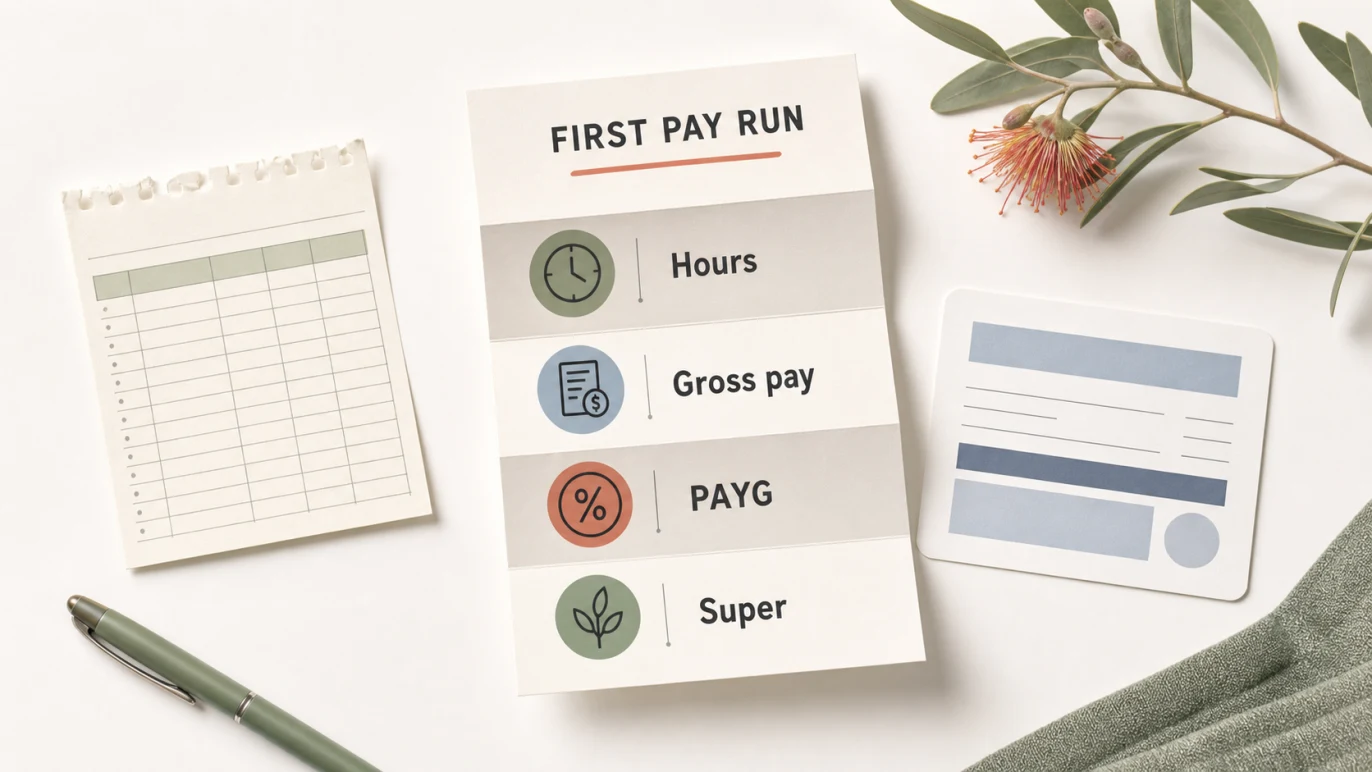
Records to keep
The NDIS says self-managers should keep records that show how NDIS funds are spent. For direct employment, that record trail should connect the support hours, payroll calculation, payment and claim evidence.
The Fair Work Ombudsman’s record-keeping and pay slips fact sheet says employers covered by relevant Commonwealth workplace laws must keep accurate employee records and issue payslips. It also says records should be kept for seven years and that payslips should be given within one working day of payday.
For NDIS direct employment, keep payroll records such as:
- approved roster, timesheet or support hours
- pay rate and employment terms used for the pay run
- pay date, pay period, gross pay, net pay and deductions
- PAYG withholding records
- super fund details and super contribution records
- payslips given to the worker
- leave records where relevant
- payment evidence from the bank
- payment requests, receipts and NDIS plan evidence
- adviser notes or decisions about worker status, award coverage or WPN/STP treatment.
Good software should make these records easier to find. It should not scatter them across email, spreadsheets, bank screenshots and handwritten notes.
How Gimbla fits
Gimbla is accounting and payroll software for small Australian employers. For a self-managed NDIS direct employer, it can help keep the payroll side tidy while the participant, nominee or adviser makes the compliance decisions.
In Gimbla, you can:
- set up workers using the create an employee guide
- capture approved hours with the timesheet add and approve guide
- run payroll and create payslips
- keep PAYG withholding and payroll reports close to the accounting records
- prepare super contribution details and use the super payment workflow where relevant
- understand related terms such as PAYG withholding, Superannuation Guarantee, SuperStream and superannuation clearing house.
The boundary is important. Gimbla can help with the payroll records, pay run, payslip and super workflow. It does not replace professional advice on worker classification, award rates, NDIS plan use, workers compensation, insurance, screening, WPN registration or authorised representative lodgement.
Common mistakes
Treating every support worker the same way
One worker may be an employee. Another may be a contractor or provider. Payroll software should reflect the arrangement, not force every payment through the same workflow.
Starting payroll before registration questions are answered
If PAYG withholding or WPN registration is needed, sort that out before the first payment. The NDIS direct-engagement guide notes that WPN registration can take time, so early setup matters.
Keeping payslips but losing timesheets
A payslip alone may not explain the NDIS support record. Keep the approved hours, roster or timesheet that supports the pay run.
Assuming STP solves everything
STP is a reporting channel. It does not replace payslips, payroll records, super records, NDIS evidence or adviser review. WPN employers also have a specific STP exemption and authorised-representative issue to check.
Forgetting super until quarter end
Super is part of the payroll record trail. With Payday Super approaching from 1 July 2026, employers should already be reviewing whether their payroll and cash-flow habits can handle more frequent super timing.
A practical selection list
When comparing NDIS payroll software, ask these questions before choosing:
- Can it handle a small direct-employer payroll without making setup harder than the pay run?
- Can it create payslips and payroll reports that a worker or adviser can understand?
- Can it keep timesheets or approved hours close to the payroll record?
- Can it record PAYG withholding, super and year-to-date totals cleanly?
- Can it support the WPN employer record trail even where STP lodgement needs an authorised representative?
- Can payroll records sit beside the bank and accounting records?
- Can you export the information if a nominee, accountant, BAS agent, tax agent or plan reviewer needs it?
If the answer is no, the software may be too light for direct employment, even if it looks simple on the first screen.
FAQs
Can self-managed NDIS participants use payroll software?
Yes, when they directly employ support workers and need a repeatable way to run pay, create payslips, keep payroll records, track PAYG withholding and prepare super information. Payroll software does not decide worker status, award coverage or NDIS claim eligibility.
Do self-managed NDIS participants need Single Touch Payroll?
It depends on the employment arrangement. Some self-managed NDIS direct employers use a withholding payer number and may be covered by the WPN STP exemption. From 1 July 2026, a WPN employer that chooses STP needs to lodge through an authorised representative. Start with the WPN holders and STP reporting guide before choosing a lodgement path.
What records should NDIS payroll software help keep?
At minimum, keep employee details, rosters or timesheets, pay dates, hours, gross pay, deductions, PAYG withholding, super details, leave records where relevant, payslips and evidence that supports NDIS payment requests.
Can payroll software handle super for NDIS support workers?
Payroll software can help calculate, record and prepare super payments when the worker setup is correct. Eligibility and treatment can depend on the facts, so use official ATO guidance or a registered adviser if unsure.
In short
NDIS payroll software is most useful when it keeps direct-employer records clear before the first pay run: worker setup, approved hours, gross pay, PAYG withholding, super, payslips, reports and payment evidence.
For self-managed NDIS participants who directly employ support workers, the best software choice is the one that makes the payroll trail easy to review without pretending that software replaces worker-status checks, NDIS rules or registered adviser support.