- Overview
- Quick Answer
- Key Points
- What AI Can Actually Do for a Small Business
- Start With Low-Risk Workflows
- Where AI Fits in Accounting and Bookkeeping
- Protect Customer and Financial Data
- Build a Simple AI Policy
- How Gimbla Fits Into an AI-Ready Workflow
- Common Mistakes to Avoid
- Frequently Asked Questions
- Conclusion
AI for Small Business: Practical Ways to Use It Safely
Published May 19th, 2026 | Team Gimbla
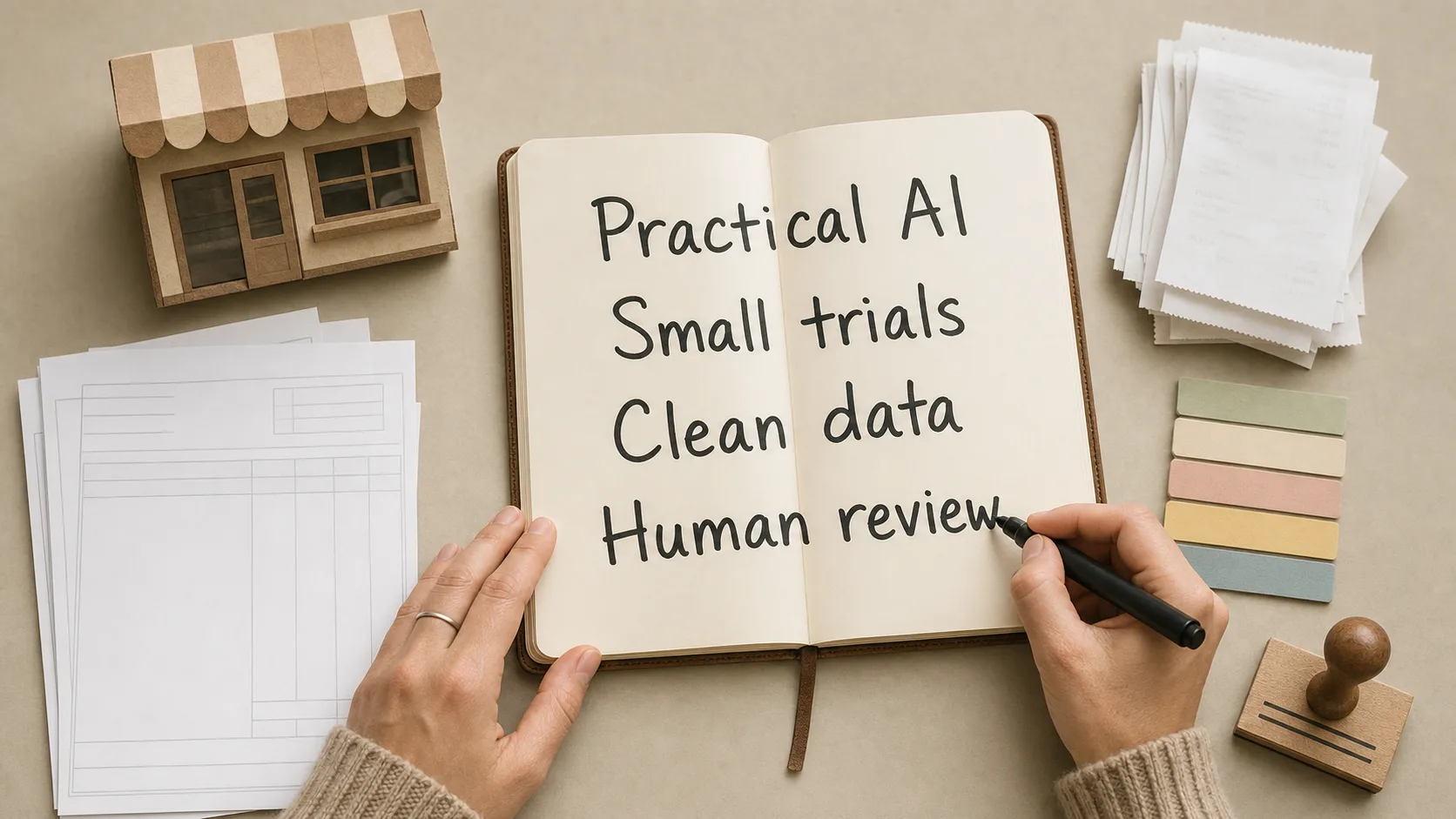
AI can help a small business move faster, but it works best when it is attached to a specific job. Think invoice capture, bank transaction descriptions, product copy, customer email drafts, staff rosters, stock notes, spreadsheet formulas or first-pass summaries. The useful question is not “Should we use AI?” It is “Which repeatable task can we make faster without losing control of quality, privacy or the numbers?”
For Australian small businesses, the safest approach is to start small, test the output, keep a human reviewer in charge, and avoid putting customer, employee or supplier details into tools that are not approved for that data.
AI is a helper for routine work, not a replacement for judgement. Use it where speed helps, but keep people responsible for financial records, customer decisions and compliance.
Quick Answer
AI can be useful for small businesses when it reduces repetitive admin, improves first drafts, organises information or helps spot patterns in business data. Good starting points include drafting customer emails, summarising supplier documents, checking receipt descriptions, creating marketing ideas, preparing spreadsheet formulas and reviewing cash-flow notes.
Do not start with high-risk decisions. Anything involving personal information, payroll, tax, lending, hiring, complaints, customer disputes or legal commitments needs stronger controls and human review. The Australian Government’s AI guidance for business recommends trialling AI in one or two areas first and checking that tools are accurate, secure and responsible before rolling them out more widely.
Key Points
- Pick one narrow task before buying another tool or connecting sensitive data.
- Keep AI away from personal, payroll, tax and customer records unless the tool is approved for that use.
- Review every output before it affects a customer, supplier, employee or financial report.
- Keep an AI register: what tools you use, what data they touch, who reviews them and when they were last checked.
- Measure the result in practical terms: time saved, errors reduced, faster billing, cleaner records or better customer response times.
What AI Can Actually Do for a Small Business
AI is not one thing. A chatbot that drafts emails is different from a receipt scanner, a fraud alert, a sales forecast or a customer-support bot. Small businesses usually get the best return from AI when the task is repetitive, easy to check and already part of a known workflow.
| Business area | Useful AI task | Human check |
|---|---|---|
| Admin | Summarise meeting notes, supplier emails or long documents | Confirm facts, dates, names and next steps |
| Sales and marketing | Draft product descriptions, social posts or campaign ideas | Check tone, claims, pricing and brand accuracy |
| Customer support | Prepare reply drafts or suggest help articles | Review before sending, especially for complaints |
| Bookkeeping | Read receipts, suggest descriptions, split supplier bills or match transactions | Check GST, account codes, supplier details and totals |
| Reporting | Explain trends in revenue, expenses or cash flow | Confirm source data and investigate unusual items |
| Operations | Create checklists, rosters or stock reorder prompts | Check constraints, availability and business rules |
The right first use case is usually boring. That is a good sign. A simple workflow that saves 20 minutes every week is easier to trust than a complicated system that promises to run half the business.
Start With Low-Risk Workflows
A good first AI project should pass three tests:
- The task is frequent enough to matter.
- The output can be checked quickly by a person.
- A mistake would be annoying, not catastrophic.
For example, asking AI to draft a polite payment reminder is a lower-risk task than letting AI decide whether to place a customer account on hold. Asking AI to summarise a supplier bill is lower risk than letting it post the bill without review.
Try this simple rollout:
- Choose one workflow, such as receipt descriptions, product copy or supplier email summaries.
- Write down what AI is allowed to do and what it must not do.
- Test it on 10 to 20 real but non-sensitive examples.
- Compare the output with what a person would have done.
- Adjust prompts, templates or tool settings.
- Decide who reviews the output before it is used.
- Recheck the workflow after a month.
If it does not save time or improve accuracy, stop. The goal is better work, not more software.
Where AI Fits in Accounting and Bookkeeping
Small-business accounting has many repeatable steps, which makes it a natural place to use AI carefully. AI can help prepare information, but it should not remove the bookkeeping controls that make reports reliable.
Useful accounting workflows include:
- extracting supplier names, dates and totals from bills or receipts
- suggesting transaction descriptions before bank reconciliation
- drafting payment reminders for unpaid invoices
- grouping long supplier bills into clearer line items
- helping explain why a Profit and Loss result changed
- creating a checklist for GST, VAT or sales tax review
- summarising overdue balances in accounts receivable
The review step matters. If AI reads a receipt incorrectly, codes GST to the wrong place or confuses a loan repayment with an expense, the mistake can flow into BAS work, management reports and year-end accounts. Use AI to speed up capture and explanation, then keep the final accounting decision with a person who understands the records.
Protect Customer and Financial Data
AI tools often work by sending data to a cloud service. That may be fine for a generic marketing prompt, but it can be risky for bank statements, payslips, medical information, customer names, addresses, email threads or supplier records.
The OAIC’s guidance on privacy and commercially available AI products says privacy obligations apply to personal information entered into an AI system and to AI output that contains personal information. It also recommends, as a best practice, not entering personal information, especially sensitive information, into publicly available generative AI tools because of the privacy risks.
Before using AI with business data, check:
- whether the data includes personal, sensitive, payroll or financial information
- whether the tool uses your prompts or files to train its models
- where data is stored and who can access it
- whether staff need approval before using the tool
- how long the tool keeps uploaded files or conversation history
- whether the output needs to be disclosed as AI-assisted
- how customers, staff or suppliers can challenge an AI-assisted decision
If you are unsure, use anonymised examples or dummy data while testing. Replace names, addresses, account numbers, payroll amounts and customer details before pasting anything into a general-purpose AI tool.
Build a Simple AI Policy
Small businesses do not need a huge AI governance document. They do need clear rules that staff can follow.
A practical AI policy can fit on one page:
- Approved tools: which AI tools may be used for business work.
- Allowed tasks: drafting, summarising, brainstorming, data entry support or reporting notes.
- Blocked tasks: entering sensitive data, making payroll decisions, giving legal advice, approving credit or sending customer messages without review.
- Review rules: who checks AI outputs before they are sent, posted or relied on.
- Data rules: what information must never be entered into public AI tools.
- Incident steps: what to do if an AI tool gives a harmful, biased, inaccurate or unexpected result.
For anything that affects a person directly, keep a human pathway available. Customers should know when they are dealing with a chatbot, and staff should know who is responsible for fixing errors.
How Gimbla Fits Into an AI-Ready Workflow
AI works better when the underlying records are tidy. If invoices, bills, bank transactions and tax settings are inconsistent, AI has weak source material to work with.
In Gimbla, the practical foundation is still good bookkeeping:
- create and track customer invoices
- keep receipts, bills and supplier payments organised
- reconcile bank activity through bank feeds or imported statements
- review GST, VAT or sales tax codes before reporting
- use reports to compare cash flow, profit and unpaid balances
Gimbla’s AI Smart Bill Scanner is one example of AI supporting a narrow accounting job: reading supplier bills and helping prepare the data entry. The important part is that the business still reviews the bill, account coding, tax treatment and totals before relying on the record. Our guide to using a bill scanner safely explains the review checks in more detail.
Common Mistakes to Avoid
Connecting Too Much Data Too Early
Start with generic or anonymised data. Do not connect bank, payroll, customer or supplier records until you understand the tool, permissions, storage, security and review process.
Treating AI Output as a Source
AI can summarise information, but it is not the original record. Keep invoices, receipts, bank statements, contracts and source emails where you can review them later.
Skipping Staff Training
Staff need to know what AI is good at, where it fails and which business data is off limits. A short policy plus a few examples is often more useful than a long document no one reads.
Forgetting to Measure the Result
If AI is helping, you should be able to see it. Track simple measures such as fewer manual entry errors, faster invoice processing, shorter response times, cleaner descriptions or less time spent preparing reports.
Frequently Asked Questions
What is the best way for a small business to start using AI?
Start with one low-risk task, such as drafting product descriptions, summarising supplier emails, organising notes or checking bookkeeping descriptions. Test the result, keep a human reviewer in charge, and only expand once the process is accurate and useful.
Can AI replace a bookkeeper or accountant?
No. AI can reduce repetitive admin and help prepare information, but it should not replace professional judgement, review of tax treatment, payroll checks, BAS preparation or advice from a qualified accountant or registered tax agent.
Is it safe to put customer information into an AI tool?
Be cautious. If the information can identify a customer, employee or supplier, check your privacy obligations, the tool’s data settings and who can access the data. Avoid entering personal or sensitive information into public generative AI tools unless you have clear permission and controls.
Conclusion
AI for small business is most useful when it is practical, narrow and reviewed. Use it to speed up routine work, prepare drafts, organise information and make bookkeeping less manual. Keep people responsible for decisions, compliance and customer trust.
Start with one workflow, measure the result, and build from there. A careful AI habit today will do more for the business than a rushed rollout across every tool at once.