Bill Scanner for Small Business: Use AI Capture Without Losing Control
Published May 23rd, 2026 | Team Gimbla
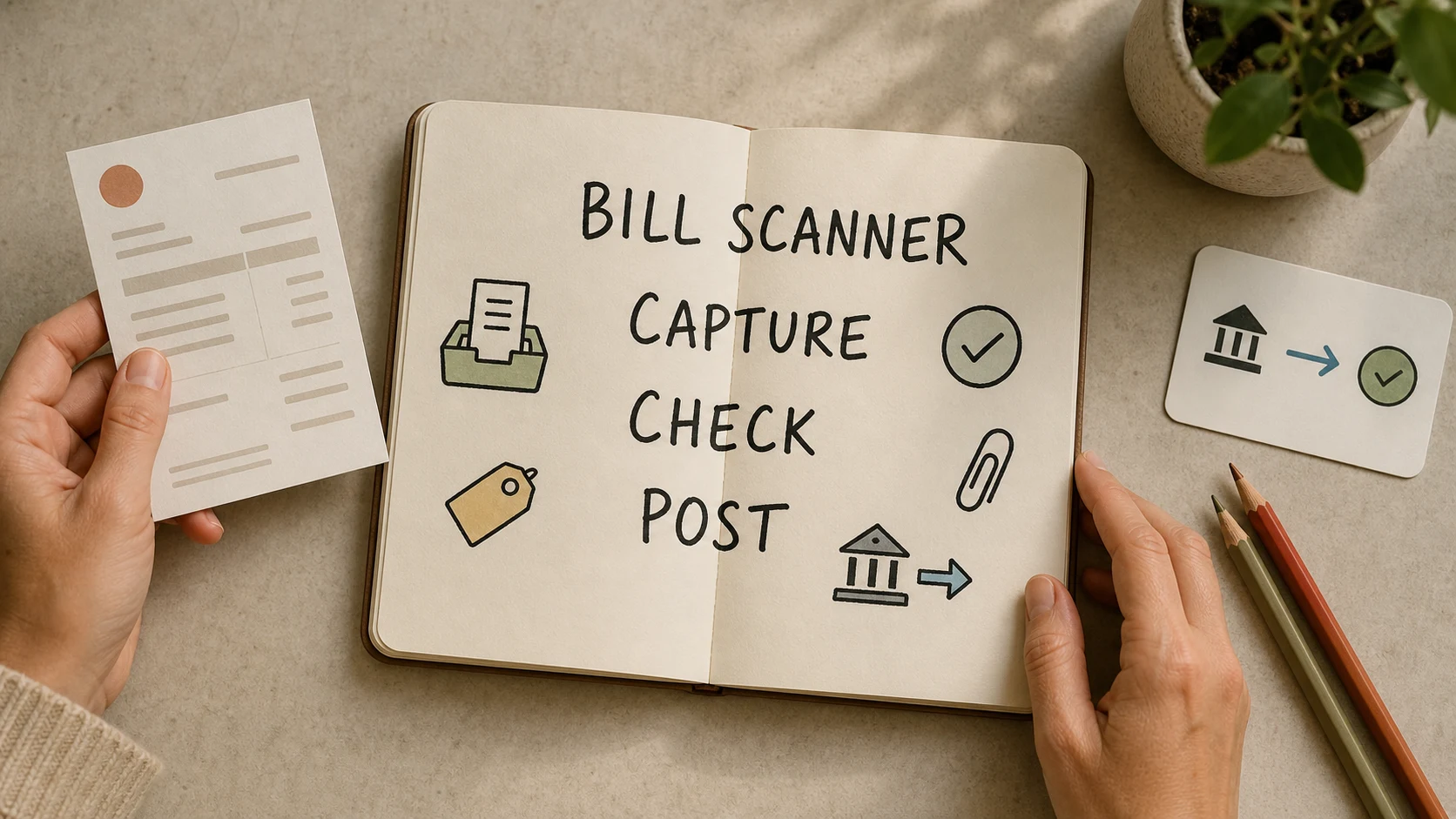
A bill scanner helps a small business turn supplier bills, tax invoices and receipts into accounting data without retyping every field. The useful version does more than read text. It captures the document, suggests supplier and GST details, keeps the source record attached, and gives the owner or bookkeeper a clear review step before the bill affects BAS, cash flow or reports.
In Australia, the accounting point is simple: scanning can speed up bookkeeping, but it does not remove the need for good records. The practical next step is to use AI capture for the repetitive parts, then check the fields that can create tax, payment or reporting problems.
A bill scanner should shorten data entry, not remove judgement. Capture the bill, keep the source document, then review GST, account coding, supplier details and totals before posting.
Quick answer
A bill scanner reads a supplier bill, invoice or receipt and turns it into suggested accounting data. It may capture the supplier name, ABN, invoice date, due date, total, GST, line items, account codes and a copy of the original document.
The Australian Government’s record-keeping guidance says businesses must keep records of transactions that relate to tax, super and registrations, including business expenses, GST records where relevant, bank records, and employee or contractor records. It also notes that digital records can be used if they are protected and accessible.
The ATO’s digital record-keeping guidance accepts electronic images of paper business records when they are true and clear reproductions and meet the record-keeping rules. That means the scanner workflow should keep the document, not just the extracted text.
If you want the product workflow, Gimbla’s AI Smart Bill Scanner is the bill, receipt and supplier-invoice scanner connected to the accounting record.
Key points
- Use a bill scanner to reduce retyping, not to skip review.
- Keep the original source record as a clear digital attachment.
- Check GST, supplier, date, total, account coding and due date before posting.
- Match the bill to the payment during bank reconciliation.
- Use an audit trail so later changes can be understood.
What a bill scanner should capture
A good bill-scanning workflow captures the details a bookkeeper would normally type, then shows them clearly enough for review.
| Captured item | Why it matters | What to check |
|---|---|---|
| Supplier name and ABN | Identifies who issued the bill | Does it match the supplier record? |
| Invoice or receipt date | Affects period reporting and GST timing | Is the date on the document correct? |
| Due date | Supports accounts payable and cash-flow planning | Does it match the supplier terms? |
| Subtotal, GST and total | Affects BAS, expense reports and payment amount | Do the totals agree with the source document? |
| Line items | Helps split materials, freight, subscriptions or project costs | Are important lines kept separate? |
| Account code and tax code | Affects the Profit and Loss, GST and BAS | Is the suggested coding sensible? |
| Attachment | Proves the transaction later | Is the digital image clear and complete? |
The scanner should also make uncertainty visible. If the invoice is blurry, the GST is unusual, or a supplier is new, the software should push the bill into review rather than pretending the answer is settled.
Bill scanner, receipt scanner and bank reconciliation compared
These workflows often overlap, but they are not the same job.
| Workflow | Main question | Best used for |
|---|---|---|
| Bill scanner | What does this supplier document say? | Capturing bills, receipts and tax invoices |
| Invoice scanner | What supplier invoice details should be entered? | Capturing supplier invoices before accounts payable review |
| Receipt scanner | What did this small purchase record? | Capturing expenses, card purchases and reimbursements |
| Bank reconciliation | Did the bank payment match the accounting record? | Matching payments, transfers, invoices and bills |
| Three-way matching | Did the order, receipt and supplier bill agree? | Stronger controls for stock, equipment or purchasing workflows |
A scanner starts the record. Reconciliation and review make it reliable. For larger purchases, three-way matching may also matter because the supplier bill should agree with the purchase order and goods received.
Simple example
A cafe receives a $1,320 supplier bill for packaging and cleaning supplies. The bill includes $1,200 before GST and $120 GST.
The AI scanner suggests:
- supplier: Packaging Co
- date: 16 May 2026
- due date: 30 May 2026
- total: $1,320
- GST: $120
- account split: packaging supplies and cleaning supplies
- attachment: uploaded PDF supplier bill
The owner should still review the bill before posting. They check the supplier, confirm the GST, keep the PDF attached, split the lines correctly, and later match the payment during bank reconciliation.
What to check before relying on AI capture
AI capture is strongest when the document is clear and the review rules are simple. It is weaker when the bill is handwritten, partly cut off, includes mixed GST treatment, contains many line items, or needs a business judgement call.
Before you rely on a scanned bill, check:
- the supplier name, ABN and invoice number
- whether the document is a valid tax invoice for GST purposes
- whether any buyer-issued recipient created tax invoice has the right agreement and GST details
- GST and total amounts
- account coding for expense, asset, stock or project costs
- private-use or mixed-use amounts
- due date and payment terms
- duplicate bills already entered
- whether the source document is attached and readable
The human review step is especially important before BAS preparation, year-end tax work, payment approvals or management reports.
Common mistakes
Treating scanned text as the record
Extracted data is useful, but it is not the whole evidence trail. Keep the source document attached so the transaction can be checked later.
Trusting GST suggestions without checking the document
Some supplier documents include GST. Some do not. Some include GST-free, input-taxed or mixed lines. If the scanner guesses wrong, the GST and BAS reports can be wrong too.
Posting every bill to one expense account
That may be quick, but it can make the Profit and Loss less useful. Split important costs such as materials, freight, equipment, subscriptions and project costs where the distinction matters.
Forgetting the payment step
A scanned bill records the liability. The payment still needs to be matched through bank reconciliation so accounts payable and cash flow stay accurate.
How to use a bill scanner in Gimbla
Gimbla’s AI Smart Bill Scanner is designed for a narrow accounting job: reading supplier bills and helping prepare the data entry. That makes it useful when the bill is repetitive, the document is clear, and the reviewer knows what to check.
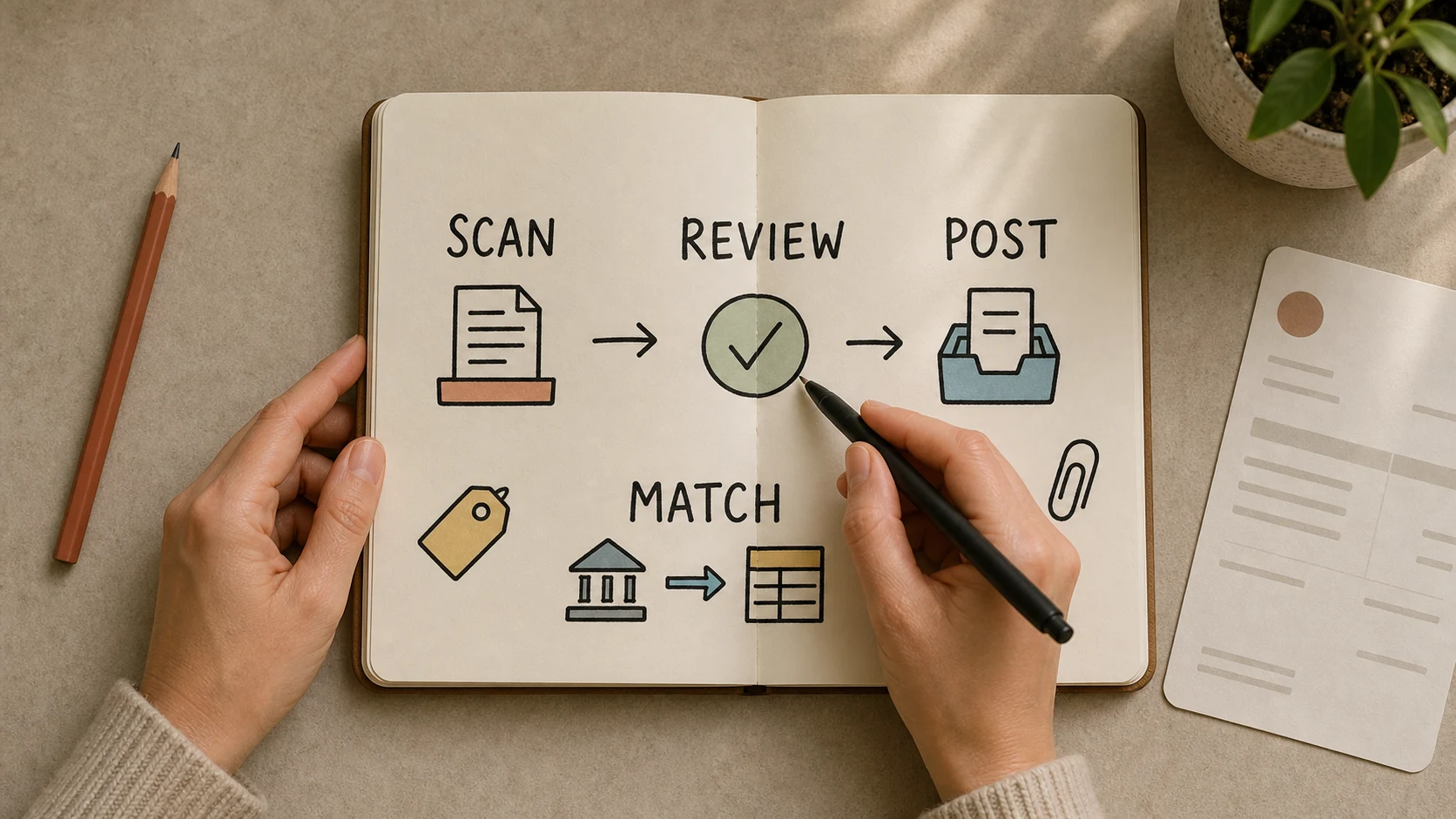
A practical workflow looks like this:
- Upload the supplier bill, PDF or receipt.
- Let the scanner suggest supplier, date, total, GST, line items and coding.
- Review the attachment and extracted fields.
- Correct any tax, account or line-item issues.
- Save the bill with the source document attached.
- Match the payment during bank reconciliation.
- Review GST, BAS and reports before lodgement or month end.
This keeps AI in the part of the workflow where it helps most: turning a document into a draft accounting record that a person can review.
For a broader risk view, read AI for Small Business. For GST source-document checks, use the GST invoice checklist.
Practical checklist
Use this checklist before you make scanned bills part of your regular bookkeeping process:
- Choose which documents are suitable for scanning, such as supplier bills, receipts and tax invoices.
- Keep the original document attached as a clear digital copy.
- Set review rules for new suppliers, large amounts, mixed GST and asset purchases.
- Confirm who can approve or edit scanned bills.
- Reconcile payments to the bank account before relying on accounts payable.
- Review GST and BAS reports before lodgement.
- Keep the workflow consistent so your accountant or bookkeeper can follow the trail later.
Frequently asked questions
What does a bill scanner do?
A bill scanner reads a supplier bill or receipt and suggests details such as supplier, date, amount, GST, line items and account coding. The business should review those suggestions before posting the bill.
Is a bill scanner the same as an invoice scanner?
They often describe the same supplier-document workflow. In accounting software, a bill scanner usually focuses on accounts payable records, while an invoice scanner may also mean capturing supplier invoices for review. The important point is to keep the source document attached and check the draft record before posting.
Can I throw away paper bills after scanning them?
Usually you can keep a clear digital copy instead of paper, but the digital copy must be a true and clear reproduction and meet record-keeping rules. If a specific law or situation requires the paper record, keep it.
Should AI create supplier bills automatically?
AI can speed up capture, but a person should still review supplier details, tax treatment, totals, account coding and attachments before posting. Automation is safer when it creates a draft for review rather than an unchecked final record.
Is a bill scanner the same as bank reconciliation?
No. A bill scanner captures the supplier record. Bank reconciliation checks the payment against bank transactions and accounting records. You usually need both for clean bookkeeping.
Conclusion
A bill scanner can save real time for a small business, especially when supplier documents arrive every week and the same fields are typed again and again. The best workflow is not blind automation. It is capture, review, attach, post and reconcile.
Use AI to remove repetitive typing, then keep the accounting judgement where it belongs: checking the tax treatment, supplier details, source document and payment trail before the numbers reach BAS, reports or cash-flow decisions.