- Overview
- Quick answer
- Key points
- Choose the pay frequency first
- Employee settings that change withholding
- How STSL fits into the result
- Simple example
- Representative 2026–27 source checks
- The 53-week and 27-fortnight caution
- Cases to send to the ATO calculator or another schedule
- What to check in payroll software
- Frequently asked questions
- Conclusion
Weekly or Fortnightly PAYG Withholding: Using the 2026–27 Tax Tables
Published August 3rd, 2026 | Team Gimbla
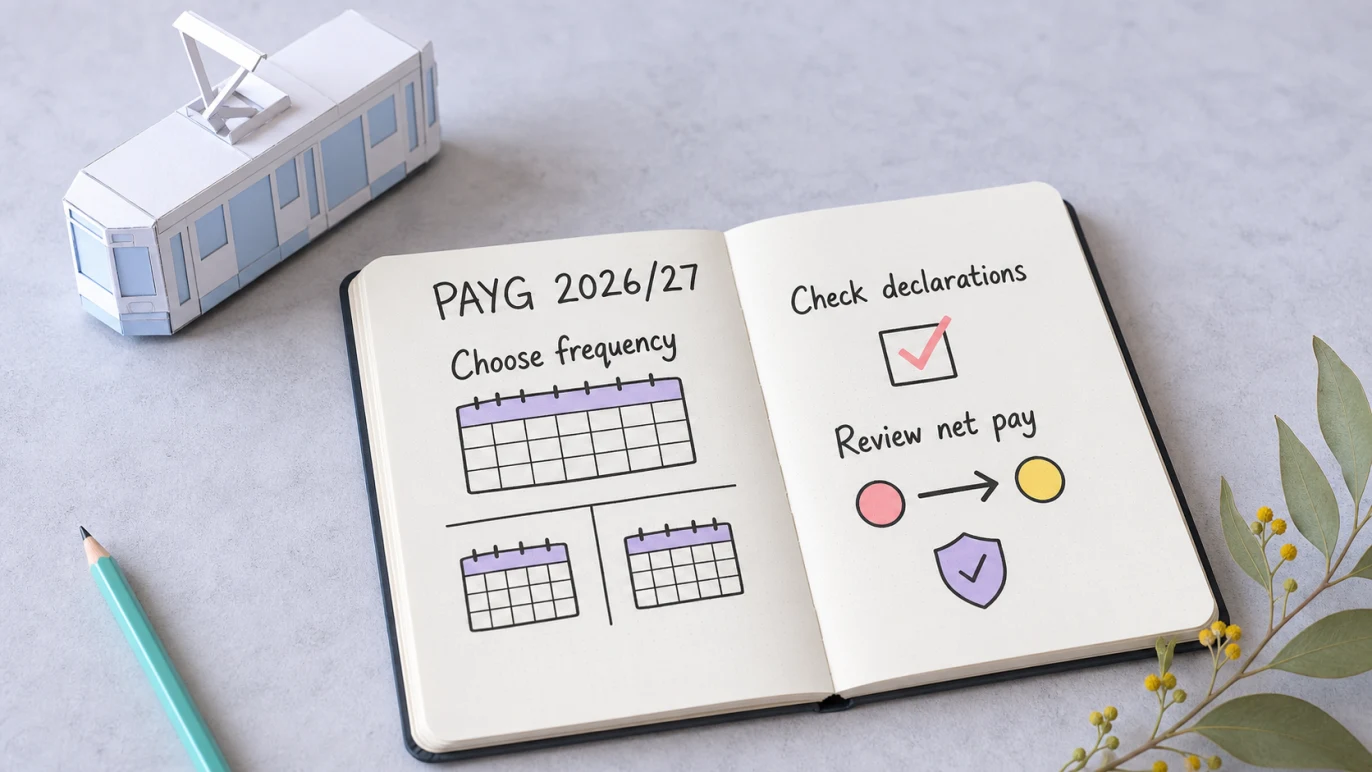
For a weekly employee, use the current weekly PAYG withholding table or formula. For a fortnightly employee, use the fortnightly version. Then apply the settings from the employee’s valid TFN and withholding declarations, including residency, tax-free threshold, study and training support loan status and any Medicare levy variation.
The ATO’s 2026 schedules apply to payments from 1 July 2026. This article covers ordinary weekly and fortnightly salary or wage payments and was checked on 3 August 2026. It is not a substitute for the ATO calculator or specialised schedules for unusual payments.
Pay frequency selects the table; the employee’s declarations select the scale and adjustments inside it.
Quick answer
The ATO Software Developers 2026 PAYG withholding release states that all 15 withholding schedules and 12 tax tables were updated for 2026–27. The release includes:
- NAT 1004: Schedule 1 formulas for ordinary withholding amounts
- NAT 1004 ML: Medicare levy adjustment formulas
- NAT 3539: Schedule 8 formulas for study and training support loan amounts
Use the employee’s actual pay frequency and current declarations. Do not choose a table from the annual salary alone, reuse a 2025–26 result, or assume every resident employee claims the tax-free threshold.
These 2026–27 tables are current only to 30 June 2027. Payroll owners should schedule a source check before the first July 2027 pay run.
Key points
- Weekly pay uses the weekly calculation; fortnightly pay uses the fortnightly calculation.
- A valid TFN declaration drives residency and tax-free-threshold treatment.
- A declared study and training support loan can increase withholding under NAT 3539.
- Full or half Medicare levy exemptions require the employee’s correct declaration, not an employer guess.
- Bonuses, back pay, terminations, irregular payments and formal variations can require another schedule or ATO calculation.
Choose the pay frequency first
| Pay cycle | Use | Do not substitute |
|---|---|---|
| Every 7 days | Weekly PAYG table or formula | An annual estimate divided by 52 |
| Every 14 days | Fortnightly PAYG table or formula | Twice a saved weekly result |
| Monthly or quarterly | The matching ATO frequency treatment | A weekly or fortnightly table |
| Irregular or special payment | The applicable ATO schedule or calculator | The ordinary wages table without checking |
Pay frequency is about how the payment is made, not whether the employee thinks of their salary as an annual amount. Payroll software normally converts the approved gross pay into the right frequency calculation automatically, but the employer should still verify the employee and pay-cycle setup.
Employee settings that change withholding
For common salary and wage cases, the Schedule 1 scale depends on the employee’s declaration details.
| Common setting | Schedule 1 scale | Practical meaning |
|---|---|---|
| Australian resident, no tax-free threshold | Scale 1 | Often used where the threshold is claimed from another payer |
| Australian resident, tax-free threshold claimed | Scale 2 | Common setting for a resident’s main payer |
| Foreign resident | Scale 3 | Foreign residents cannot claim the Australian tax-free threshold |
| Full Medicare levy exemption | Scale 5 | Use only when supported by the employee’s declaration |
| Half Medicare levy exemption | Scale 6 | Use only when supported by the employee’s declaration |
No-TFN cases use separate mandatory rates and are outside this common-case guide. Working holiday makers, seniors and pensioners, tax offsets, family-income Medicare adjustments and formal withholding variations also need their own current treatment.
How STSL fits into the result
When an employee declares a Higher Education Loan Program, VET Student Loan or another covered study and training support loan debt, withholding can include an additional component.
For 2026–27, use the current NAT 3539 formulas. Do not calculate the ordinary tax, separately round a loan amount and assume the two rounded figures will always equal the official combined result. Current payroll software should apply the ATO schedule for the selected scale and frequency as one supported calculation.
The ATO’s tax withheld calculator is the safer public check when the employee has an STSL debt, a Medicare variation or another setting that makes a printed table lookup uncertain.
Simple example
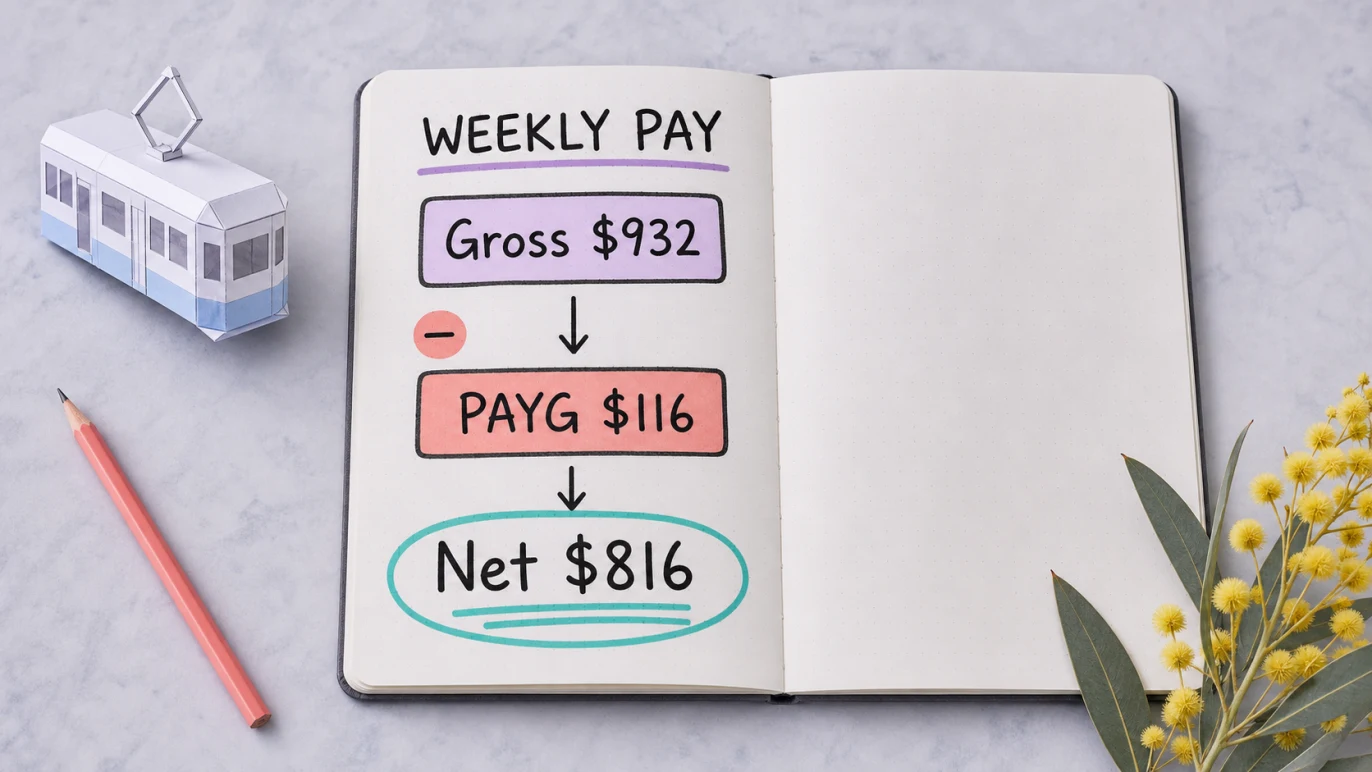
An Australian resident employee is paid $932 weekly, has provided a valid TFN declaration, claims the tax-free threshold, has not declared an STSL debt and has standard Medicare treatment. The 2026–27 Schedule 1 fixture for Scale 2 gives $116 PAYG withholding.
| Weekly pay result | Source setting | Amount |
|---|---|---|
| Gross pay | Weekly earnings | $932 |
| PAYG withholding | Scale 2, no STSL | $116 |
| Net pay before other deductions | $816 | |
The corresponding fortnightly fixture uses $1,864 gross pay and $232 withholding. That tidy doubling is a useful source check for this example, not a general calculation rule: process a real fortnightly payment with the fortnightly table or formula.
Representative 2026–27 source checks
The ATO workbooks include sample data that payroll developers and reviewers can use to catch stale or misapplied coefficients. These common-case values are useful as regression checks, not as a replacement for calculating the employee’s actual pay.
| Frequency and gross pay | Employee setting | PAYG withholding | Net before other deductions |
|---|---|---|---|
| Weekly — $932 | Scale 2, no STSL | $116 | $816 |
| Fortnightly — $1,864 | Scale 2, no STSL | $232 | $1,632 |
| Weekly — $1,337 | Scale 2, STSL selected | $247 | $1,090 |
| Fortnightly — $2,674 | Scale 2, STSL selected | $494 | $2,180 |
If payroll software does not reproduce a known fixture, check the effective year, pay frequency, scale, STSL selection, Medicare status and rounding method before running live payroll.
The 53-week and 27-fortnight caution
Some financial years contain 53 weekly pay dates or 27 fortnightly pay dates for a particular payroll calendar. The ATO’s NAT 1004 workbook includes a dedicated 53 or 27 pays worksheet because the extra pay cycle can affect withholding and annual salary assumptions.
Do not quietly change an employee’s gross pay or use a different table because an extra pay date appears. Review the payroll calendar, salary arrangement and current ATO guidance before the year starts, then document any adjustment approved for that employee.
Cases to send to the ATO calculator or another schedule
Use the ATO calculator, current schedule or professional review for:
- no TFN or TFN exemption cases
- working holiday makers
- seniors and pensioners
- tax offsets or formal withholding variations
- Medicare levy reductions based on spouse, dependants or family income
- bonuses, commissions, back pay and similar payments
- termination payments and unused leave
- irregular, monthly, quarterly or one-off payments outside this guide
The employer should apply the employee’s valid declarations. It should not choose a lower withholding setting because the employee asks informally or because the result looks high.
What to check in payroll software
- Confirm the pay run’s payment date falls within the 2026–27 effective period.
- Check that the software identifies its PAYG source year or current update.
- Verify weekly or fortnightly frequency on both the employee and pay run.
- Compare residency, threshold, STSL and Medicare settings with current declarations.
- Reproduce one official fixture before relying on a newly updated calculation engine.
- Review gross pay, withholding and net pay on the draft payslip.
- Schedule the next ATO source check before July 2027.
In Gimbla, PAYG withholding sits inside the pay-run review with gross pay, super and net pay. Start with the create an employee guide, then connect reporting using the software ID guide. The broader payroll guide for Australian small businesses explains how the calculation connects to payslips, STP and accounting records.
After the employee settings have been checked, open a pay run in Gimbla and review gross pay, PAYG withholding and net pay before approval.
Frequently asked questions
Which PAYG tax tables apply in 2026–27?
The ATO’s 2026 withholding schedules and tax tables apply to payments from 1 July 2026. Use the table and formula that match the pay frequency and employee declaration settings.
Can I calculate fortnightly PAYG by doubling the weekly amount?
Do not use doubling as the method. Use the official fortnightly table or current payroll software because frequency, rounding and employee settings belong in the calculation.
Does a study and training support loan change PAYG withholding?
It can. When an employee declares an STSL debt, use the current ATO Schedule 8 treatment together with the correct employee scale and pay frequency.
When do the 2026–27 PAYG tables expire?
They apply from 1 July 2026 and should not be relied on for payments after 30 June 2027 without checking the next ATO release.
Conclusion
Weekly and fortnightly PAYG withholding starts with the right frequency, then follows the employee’s valid declarations and the current ATO schedules. Keep the effective year visible, test a known source value and review the draft pay run before money or STP reporting leaves the business.