- Overview
- Quick answer
- Key points
- Bank feeds, Open Banking and reconciliation are different layers
- How an Australian bank account connects to Gimbla
- What Gimbla imports from the bank feed
- How Gimbla turns feed lines into reconciliation tasks
- Simple example
- What to check before relying on a suggested match
- What happens when consent expires or is withdrawn?
- A practical bank-feed routine
- Frequently asked questions
- In short
Bank Feeds in Australia: How Open Banking Works in Gimbla
Published August 8th, 2026 | Team Gimbla
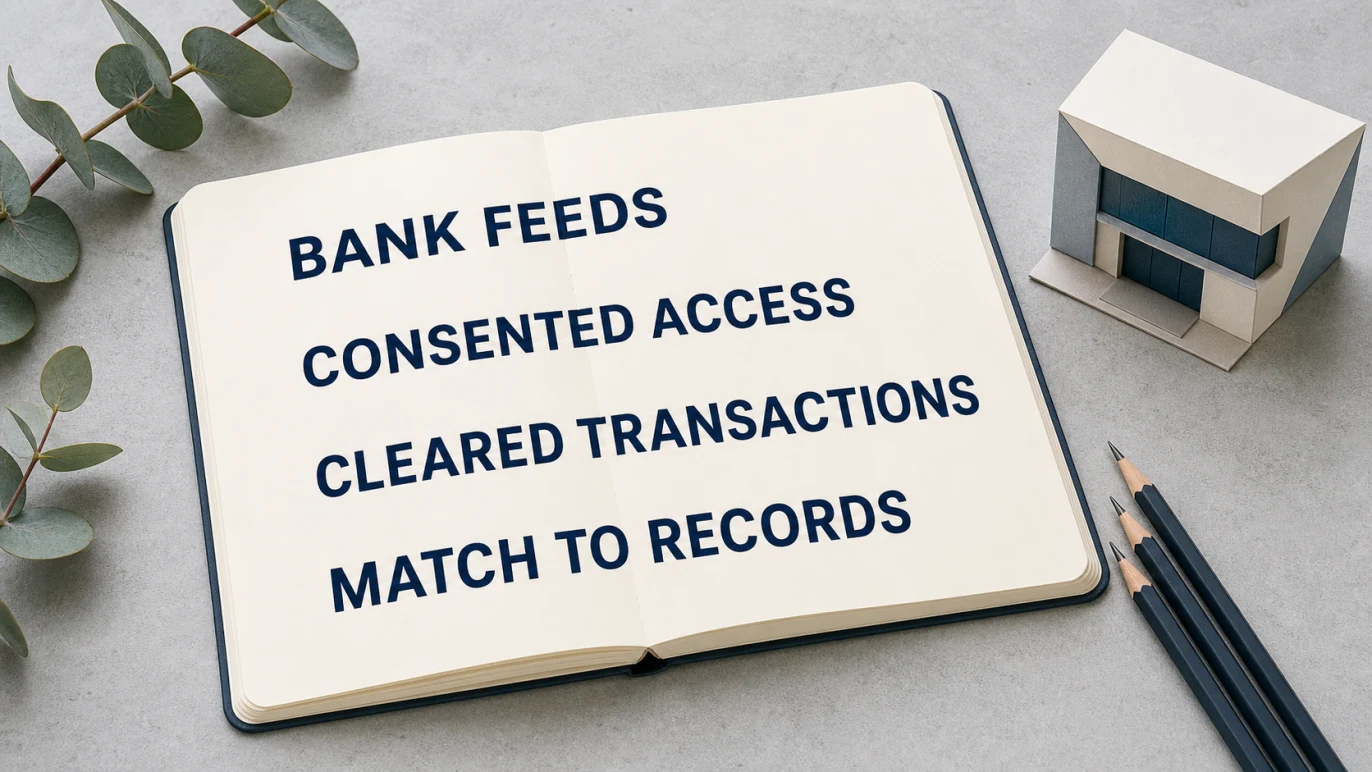
Bank feeds bring bank transactions into accounting software so they are ready to match, categorise and reconcile. In Australia, that connection can use Open Banking under the Consumer Data Right (CDR): you give consent, your bank verifies you, and permitted account data moves through an authorised connection rather than a downloaded CSV file.
In Gimbla, the feed is only the first half of the workflow. A connected account is mapped to the matching Gimbla bank account, cleared transactions are imported, and Gimbla looks for an existing invoice, bill or transfer before considering a bank rule. You then review and confirm the accounting treatment. The result is faster bank reconciliation without pretending that bank data can explain every business transaction by itself.
Open Banking moves consented bank data securely. A bank feed brings that data into Gimbla. Reconciliation connects each bank movement to the right business record.
Quick answer
Australian Open Banking is the banking part of the CDR, a regulated framework that lets eligible consumers and businesses share selected data with approved providers. Gimbla’s bank feeds connect through Fiskil, which is listed as an active data recipient on the public CDR provider register.
After you authorise a supported account and map it to a bank account in Gimbla, the feed imports posted or cleared transactions. Gimbla uses the amount, date, description and other available references to suggest existing records, transfers or bank-rule coding. A person still reviews the suggestion, checks the source record and confirms the reconciliation.
Key points
- Open Banking and a bank feed are related, but they are not the same thing.
- The CDR connection is consent-based; your bank handles identity verification.
- Gimbla imports cleared transactions daily rather than treating pending activity as final.
- Matching checks existing invoices or bills, then transfers, before applying a bank rule.
- Bank feeds reduce manual entry, but review, GST treatment and supporting records still matter.
Bank feeds, Open Banking and reconciliation are different layers
These terms are often used as if they describe one feature. They actually describe different parts of the data and bookkeeping journey.
| Layer | What it does | What it does not do |
|---|---|---|
| Open Banking under the CDR | Provides rules, consent and technical standards for sharing permitted banking data. | Does not decide how a transaction should be recorded in your books. |
| Fiskil connection | Provides the authorised data connection used by Gimbla for supported bank accounts. | Does not replace your bank’s identity checks or your consent choices. |
| Gimbla bank feed | Brings cleared transaction data into the mapped Gimbla bank account. | Does not turn every bank line into a complete accounting record automatically. |
| Gimbla reconciliation | Suggests matches or coding and lets you review, create, transfer, adjust and confirm. | Does not remove the need for invoices, bills, receipts or judgement. |
The Australian Competition and Consumer Commission’s CDR overview explains that a consumer chooses whether to share data, who receives it and how long sharing continues. The CDR’s how-it-works guide shows the usual sequence: start with the provider, give consent, authenticate with the bank and confirm the data to share.
How an Australian bank account connects to Gimbla
The connection begins in Settings → Integrations → Fiskil in Gimbla. The practical sequence is:
- Start a new data-sharing consent. Gimbla opens the Fiskil connection journey.
- Choose your bank and authenticate. Your bank verifies your identity in its own flow. Depending on the bank, this may include a one-time code or another bank-controlled check.
- Choose the accounts and data. Review what you are agreeing to share and the consent period before confirming.
- Return to Gimbla. The available external accounts appear under the connection.
- Map each account. Link the external transaction or credit-card account to the corresponding bank account in Gimbla.
Some business accounts need an extra bank-side step to nominate or verify an authorised representative before the account can be shared. The exact process varies by bank, so follow the instructions shown by the institution rather than assuming a personal-account connection will work the same way.
The authentication design matters: you identify yourself to your bank rather than typing an internet-banking password into Gimbla. The CDR’s privacy rules also require controls around consent, data use, security and deletion. The Office of the Australian Information Commissioner’s CDR privacy safeguards explain those protections in more detail.
What Gimbla imports from the bank feed
Once an account is connected and mapped, Gimbla requests posted transactions—the cleared activity the bank treats as completed. A card purchase that is still pending will normally appear only after the bank clears it.
For each feed line, Gimbla keeps the available details needed for review, including the posting date, amount, description and a provider transaction identifier. That identifier also helps protect against duplicate feed lines when refresh periods overlap: the same provider transaction updates the existing feed record rather than being added as a second copy.
Cleared transactions are downloaded daily. If you need an older period after connecting, Gimbla also provides a manual feed download for up to six months of available cleared data. Be careful when mixing sources: a transaction imported previously from a statement file may not carry the same provider identifier, so review the date range before bringing in overlapping history.
This bank-feed implementation is for transaction data and reconciliation. It does not give Gimbla a general ability to operate your online banking, and it does not initiate payments from the reconciliation screen.
How Gimbla turns feed lines into reconciliation tasks
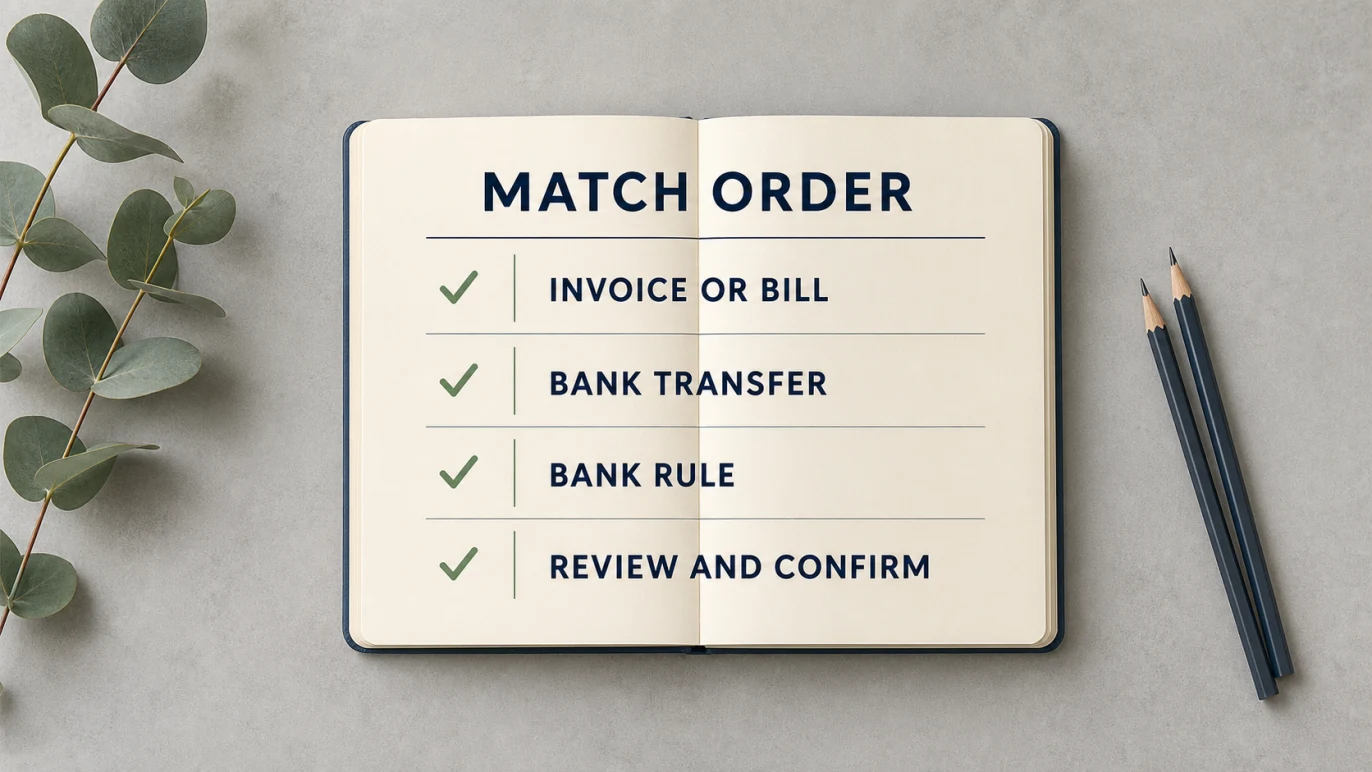
Every unreconciled feed line becomes a task. Gimbla then checks likely accounting records in a deliberate order:
- Existing invoices or bills first. An exact amount is the starting point. Invoice numbers, references, contact names and nearby dates can strengthen the suggested match.
- Existing bank transfers next. Gimbla looks for the same amount and the closest transfer date within a short window.
- Bank rules after existing records. If there is no suitable system match, a rule can prefill a recurring receipt, payment or transfer.
- Manual review when needed. You can match another record, create the missing transaction, record a transfer, make an adjustment or leave the line for investigation.
That order is important. A rule should not quietly create a second expense when a supplier bill already explains the payment. Likewise, a transfer between two business accounts should not become income on one side and an expense on the other.
The final step belongs to the user. Review the suggestion, check the supporting document and tax treatment, then submit the task. The Gimbla bank reconciliation guide shows the practical Match, Create and reconciliation workflow.
Simple example
An Australian design studio receives a $1,100 deposit with INV-104 in the bank description. Gimbla finds an open customer invoice for $1,100 and uses the exact amount and invoice reference to suggest the match. The owner checks the customer and confirms it, so the invoice is paid and the bank line is reconciled.
The same feed includes an $88 recurring software debit. There is no existing bill or transfer, so a bank rule suggests the usual software-subscription account. The owner checks the receipt and GST treatment before creating and reconciling the expense. The feed supplied the cash movement; the invoice, receipt and review supplied the business meaning.
What to check before relying on a suggested match
A strong amount or reference match can save time, but it is still a suggestion. Before confirming, check:
- the bank account and transaction date
- the customer, supplier or transfer account
- whether the amount is full, partial, combined or net of fees
- the invoice, bill, receipt or other source document
- the account category and GST treatment
- whether the transaction is business, private or mixed use
- whether the same period was imported previously from another source
The ATO’s banking-records guidance notes the importance of recording actual amounts and regularly reconciling business records so you know what passed through the account and why. A clean feed helps with that routine, but it is not a substitute for the records behind the transaction.
What happens when consent expires or is withdrawn?
CDR consent is controlled and time-bound. You can withdraw it, and it can also reach the end of the period you selected. If the provider or bank connection no longer makes an account available, new feed transactions stop and Gimbla will ask you to reconnect or review the account mapping.
Existing accounting records and already imported statement lines are not erased merely because the live connection stops. Resolve any open reconciliation tasks, then renew or create a new consent if you want future transactions to continue flowing. You can also review and manage current connections from the integration settings.
A practical bank-feed routine
Bank feeds work best as part of a small, repeatable bookkeeping habit:
- check new feed tasks at least weekly
- match invoices, bills and transfers before creating new transactions
- review bank-rule suggestions rather than accepting them on autopilot
- investigate pending, duplicated, split or unusual amounts
- attach or retain the supporting invoice, bill or receipt
- complete the statement reconciliation and confirm the difference is zero
If a bank account cannot be connected, Gimbla also supports uploading a bank statement. Use one clear import method for each date range and check for overlap.
Frequently asked questions
What is a bank feed in Australia?
A bank feed is a connection that brings bank transaction data into accounting software. In Australia, Open Banking under the CDR can provide the consent-based data-sharing framework behind that connection.
Is Open Banking safe in Australia?
Australian Open Banking operates under the CDR, with consent, security and privacy obligations. You control the data you agree to share and can withdraw consent. No process removes every risk, so review the provider, data scope and consent details, and investigate transactions you do not recognise.
Does Gimbla receive my internet-banking password?
The Open Banking journey sends you through the provider and bank authorisation flow. You authenticate with your bank rather than giving Gimbla your internet-banking password.
Do Gimbla bank feeds reconcile transactions automatically?
Bank feeds import cleared transactions, and Gimbla can suggest matches or bank-rule coding. You still review and confirm the result so each movement is connected to the correct accounting record. For the wider bookkeeping process, read What Is Bank Reconciliation?.
In short
Open Banking gives Australian businesses a consent-based way to share bank data. Gimbla turns that data into a practical bookkeeping workflow: connect and map the account, import cleared transactions, check existing invoices, bills and transfers, apply bank rules only where appropriate, then review and reconcile.
That combination removes repetitive statement handling without removing the judgement that keeps the books accurate.