- Overview
- Quick answer
- Key points
- What changed for Irish employers
- Who needs to be checked
- MyFutureFund is not the same as a normal payroll tax
- Simple example
- Records to gather before month end
- How to post the accounting trail
- Common mistakes to avoid
- How Gimbla fits the bookkeeping workflow
- Payroll checklist for Irish small employers
- FAQs
- In short
Ireland MyFutureFund Auto-Enrolment: Payroll Bookkeeping Checklist
Published June 4th, 2026 | Team Gimbla
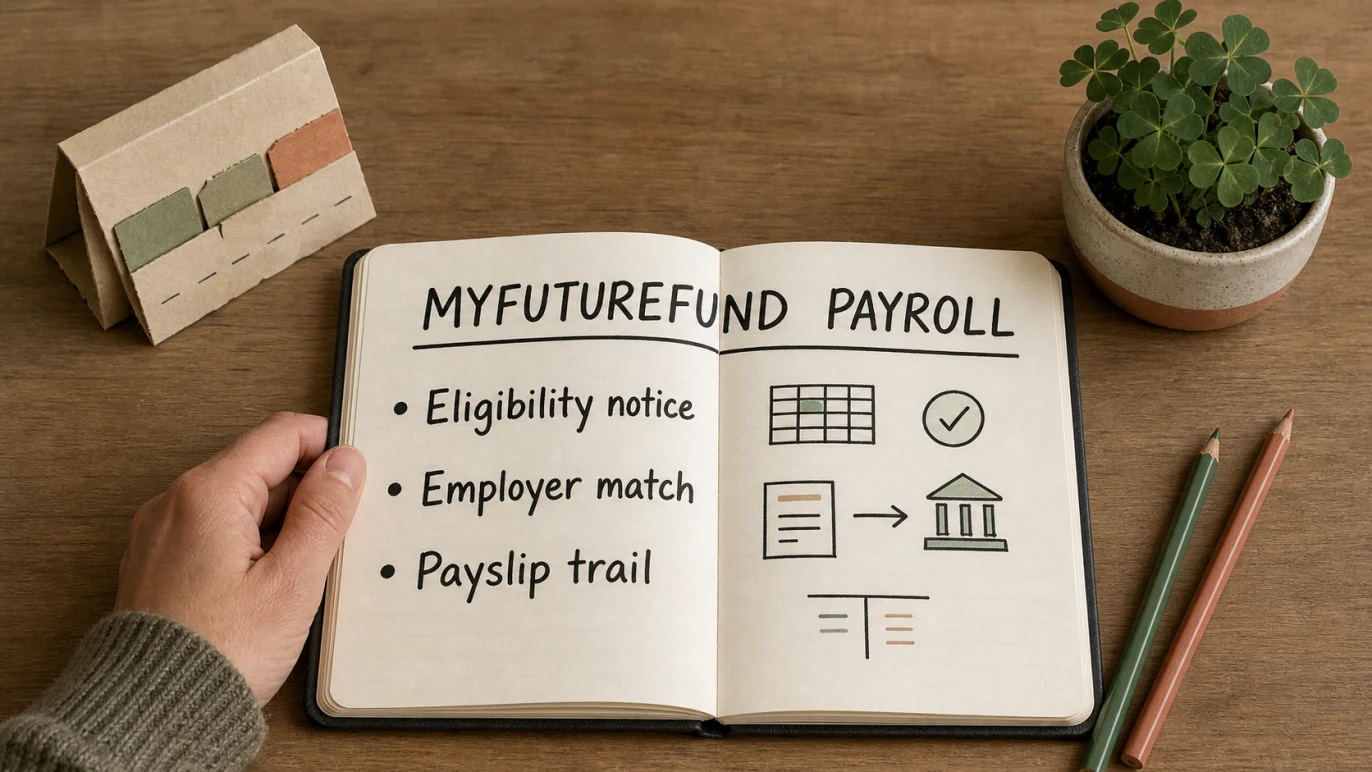
Ireland’s MyFutureFund auto-enrolment system is now live, so Irish employers need a clear payroll and bookkeeping workflow for notices, contributions, payslips, bank payments and reports. The compliance work sits in payroll, but the accounting record still matters because employer contributions affect cost, cash flow and month-end review.
For small employers, the practical job is to keep the trail clean: know which employees are enrolled, check the contribution amounts from payroll, keep the employer and employee amounts separate, reconcile the payment, and give your accountant enough evidence to review the records.
Treat MyFutureFund as a payroll contribution workflow with an accounting trail. The payroll file starts it, but the books need to show the employer cost, employee deduction, payment and supporting record.
Quick answer
MyFutureFund is Ireland’s automatic enrolment retirement savings system. The Department of Social Protection says it was introduced on 1 January 2026 for employees who meet the eligibility rules and do not already have qualifying pension coverage through payroll. NAERSA, the National Automatic Enrolment Retirement Savings Authority, administers the system and uses Revenue payroll data to identify and enrol eligible employees.
The Department’s employer guide to auto-enrolment says employers should complete the MyFutureFund employer portal profile, set up a payment method and run payroll as usual. It also says contributions began in January 2026.
This is not the same as VAT, PAYE, PRSI or USC. It is a retirement savings contribution workflow that payroll needs to calculate and that bookkeeping needs to record clearly.
Key points
- MyFutureFund is Ireland-specific and should not be confused with Australian super, New Zealand KiwiSaver or UK pension auto-enrolment.
- NAERSA identifies eligible employees using Revenue payroll data, but employers still need payroll software and records that can process the notices and contributions.
- In years 1 to 3, the employee contributes 1.5% of gross pay, the employer matches 1.5%, and the State contributes 0.5%.
- Contributions are calculated on gross earnings, with the Department guide noting that gross pay above EUR80,000 is not levied.
- For bookkeeping, the employer contribution is a business cost, while the employee contribution is a payroll deduction that should not be mixed into ordinary expenses.
What changed for Irish employers
MyFutureFund moved from preparation to live payroll handling on 1 January 2026. A February 2026 Department update said more than 763,000 employees working for 104,000 employers had already been automatically enrolled, with contributions invested and employer and employee portals open.
That makes this a live payroll control, not a future policy note. Even if NAERSA handles much of the central administration, the employer still needs the practical records around each pay run.
| Item | What it means | Bookkeeping check |
|---|---|---|
| Eligibility notice | NAERSA identifies eligible employees using payroll data. | Keep the notice or payroll instruction with employee payroll records. |
| Employee contribution | Deducted through payroll from the employee’s pay. | Record it as a payroll deduction, not as an employer expense. |
| Employer contribution | The employer matches the employee contribution at the set rate. | Post it as an employer payroll cost and liability until paid. |
| State top-up | The State contributes separately to the employee’s savings. | Do not record it as business income or employer-paid cost. |
| Portal and payment record | The employer portal shows contributions paid and owed. | Reconcile the portal, payroll report and bank payment before month end. |
Who needs to be checked
The employer does not manually choose every employee for MyFutureFund. NAERSA determines eligibility using Revenue payroll data and enrols eligible employees. That distinction matters because employers should not rely on a spreadsheet guess as the final eligibility decision.
For employer-side review, check whether payroll records are ready for:
- employees aged 23 to 60 who may meet the earnings test
- employees without qualifying pension coverage through payroll
- new hires who may already be MyFutureFund participants
- employees who opt in, opt out or suspend contributions through the scheme process
- employees moving between employer pension coverage and MyFutureFund
- pay changes, overtime or commission that affect gross pay
The Department’s October 2025 MyFutureFund update explains the core employee, employer and State contribution pattern. It also says MyFutureFund is fully integrated with payroll systems, with contributions deducted automatically.
MyFutureFund is not the same as a normal payroll tax
MyFutureFund can appear beside PAYE, PRSI and USC in payroll conversations, but it is not the same type of item. PAYE, PRSI and USC are tax or social insurance deductions. MyFutureFund is a retirement savings contribution arrangement with employee, employer and State components.
That distinction affects the accounting trail:
- the employee contribution reduces the employee’s net pay
- the employer contribution is an employer cost
- the State top-up is handled through the scheme, not through the employer’s ordinary income
- payments and portal balances need to be reconciled against payroll reports
- payroll journals should make the deduction and employer cost easy to identify
Revenue’s eBrief No. 003/26 says a Pensions Manual chapter was created in January 2026 to cover the tax provisions for the Automatic Enrolment Retirement Savings System. If you are unsure how to treat an edge case, ask your payroll adviser or accountant rather than coding it from memory.
Simple example
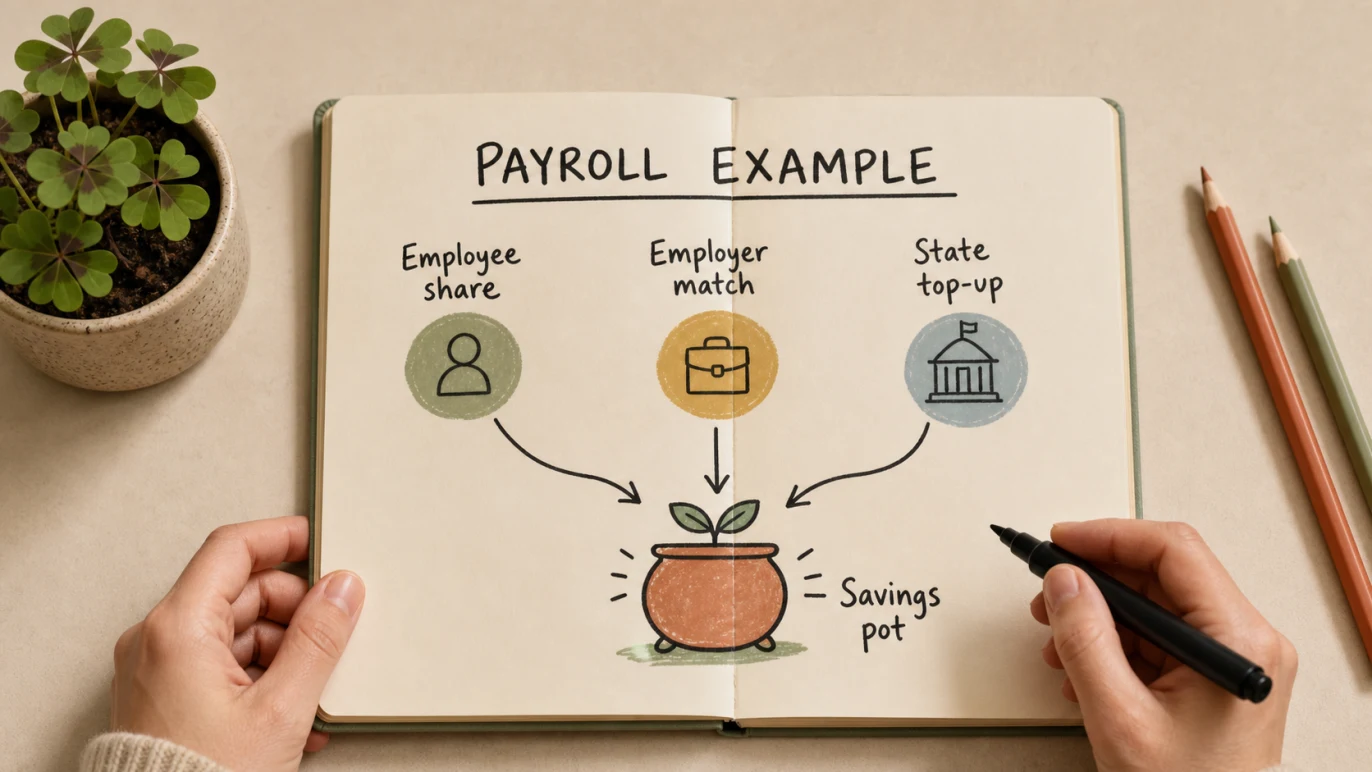
An Irish design studio has one eligible employee on EUR40,000 gross annual pay. During years 1 to 3 of MyFutureFund, the employee contribution rate is 1.5%, the employer contribution rate is 1.5%, and the State top-up is 0.5%.
| Contribution item | Annual amount |
|---|---|
| Employee contribution at 1.5% | EUR600 |
| Employer contribution at 1.5% | EUR600 |
| State top-up at 0.5% | EUR200 |
| Total annual savings contribution before investment returns | EUR1,400 |
The payroll record should show the employee deduction and net pay effect. The accounts should show the EUR600 employer cost and the related liability or payment. The EUR200 State top-up belongs to the employee’s MyFutureFund account and should not be booked as business income.
Records to gather before month end
MyFutureFund creates several records that should not be left only inside payroll software. Before month end, gather:
- MyFutureFund employer portal notices
- payroll reports showing employee and employer contributions
- payslips or payslip summaries showing the employee deduction
- bank payment records or direct debit evidence
- portal records showing contributions paid and owed
- payroll journals posted to the accounts
- notes for any employee opt-out, suspension or opt-in event
- adviser notes where an existing pension scheme creates an exemption question
For Irish tax and business records more broadly, the free accounting software for Ireland page explains how invoices, expenses, VAT-friendly records and reports can sit together in one bookkeeping workflow.
How to post the accounting trail
The exact account names depend on your chart of accounts and adviser preference, but the structure should be clear.
- Record the employee’s gross pay and deductions through payroll.
- Post the employer contribution as a payroll-related expense.
- Hold unpaid contributions in a liability account until payment is made.
- Reconcile the payment or direct debit against the payroll liability.
- Check the portal balance against payroll reports after processing.
- Keep the journal note clear enough for your accountant to review.
This helps the Profit and Loss show the employer cost, while the balance sheet does not carry stale payroll liabilities after contributions have been paid.
Common mistakes to avoid
Treating the State top-up as business income
The State top-up supports the employee’s retirement savings. It should not be treated like customer revenue, a grant to the business or a reduction in ordinary sales costs.
Mixing employee and employer contributions
The employee amount and employer amount have different meanings. Keep the employee deduction, employer cost and final payment clear in payroll reports and journals.
Forgetting the bank reconciliation
Payroll reports alone are not enough. Match the payment or direct debit during bank reconciliation so the liability account clears properly.
Assuming payroll software removes every review step
Payroll software may calculate and submit the contribution data, but someone still needs to check the employee notices, unusual pay changes, portal balances and month-end accounting.
Using Australian or UK rules as a shortcut
Ireland’s MyFutureFund is not Australian superannuation, New Zealand KiwiSaver or UK pension auto-enrolment. Keep the Irish contribution rates, eligibility rules, payroll notices and tax treatment separate.
How Gimbla fits the bookkeeping workflow
Gimbla is not a substitute for Irish payroll compliance software or payroll advice. The useful Gimbla role is keeping the wider business records clear once payroll totals reach the accounts.
That means:
- recording payroll journals with clear employer contribution accounts
- reconciling bank payments against payroll liabilities
- reviewing cash flow before contribution payments leave the business
- keeping VAT, invoices, bills and payroll journals separate
- sharing readable reports with an accountant or payroll adviser
For neighbouring Irish compliance topics, see VAT - Value Added Tax, Ireland VAT Modernisation and eInvoicing.
Payroll checklist for Irish small employers
Use this checklist before the next pay cycle:
- Confirm the MyFutureFund employer portal profile and payment method are current.
- Check payroll software can receive and process the relevant enrolment instructions.
- Review which employees have contribution deductions, opt-outs, suspensions or changes.
- Check gross pay, employee contribution, employer contribution and net pay before payslips are issued.
- Save the portal, payroll and payslip evidence.
- Reconcile the bank payment or direct debit after processing.
- Clear unpaid contribution liabilities after payment.
- Ask your adviser about exemption, existing pension or tax treatment edge cases.
FAQs
What is MyFutureFund in Ireland?
MyFutureFund is Ireland’s automatic enrolment retirement savings system for eligible employees who do not already have qualifying pension coverage through payroll. It began on 1 January 2026.
Do employers choose who is enrolled?
No. NAERSA identifies and enrols eligible employees using Revenue payroll data. Employers still need to make sure their payroll software, records, payment method and accounting trail can handle the contribution workflow.
What are the first MyFutureFund contribution rates?
For years 1 to 3, the employee contributes 1.5% of gross pay, the employer matches 1.5%, and the State contributes 0.5%, subject to the scheme rules. The contribution rates increase in later phases.
How should small employers record MyFutureFund?
Keep the payroll notice, payroll report, payslip evidence, employer contribution journal, payment record and portal balance together. The aim is to make the employee deduction, employer cost and bank payment easy to trace.
In short
MyFutureFund is now part of Ireland’s payroll landscape. Employers should not treat it as a vague pension note or a once-a-year adjustment. Keep eligibility notices, contribution calculations, payslips, bank payments and accounting journals connected so the payroll and bookkeeping story is easy to follow.